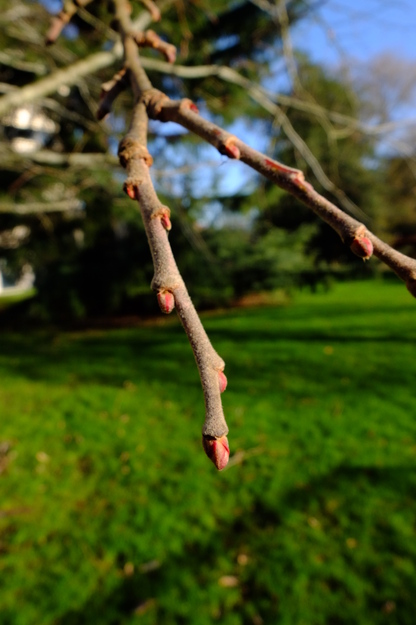
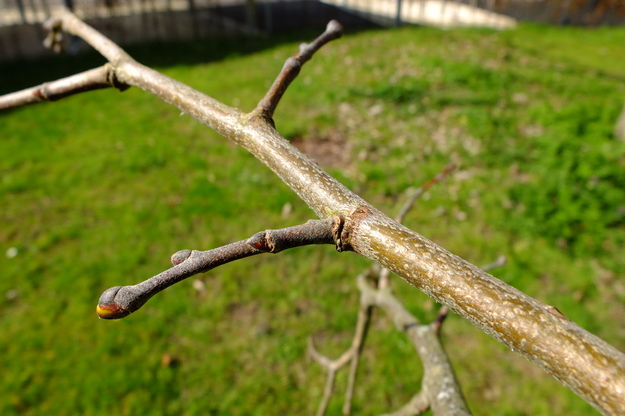
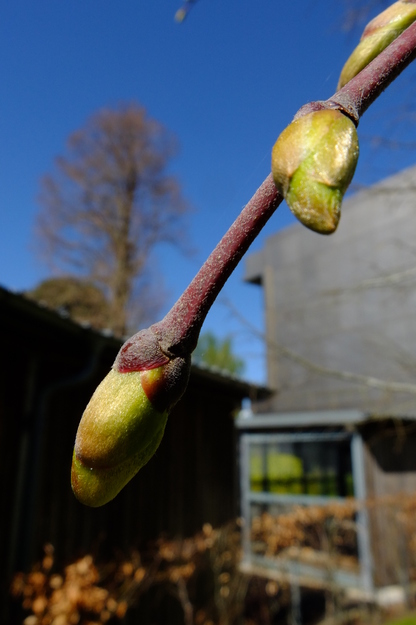
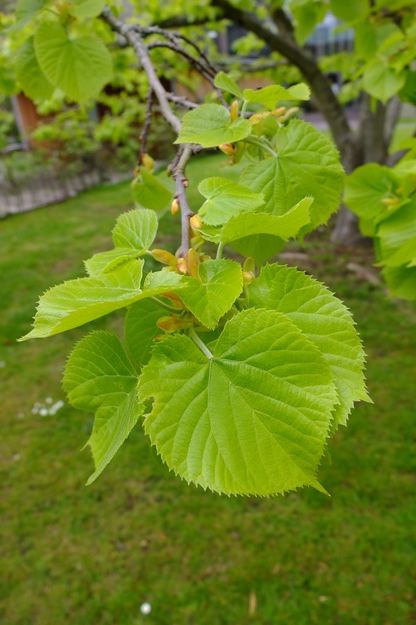
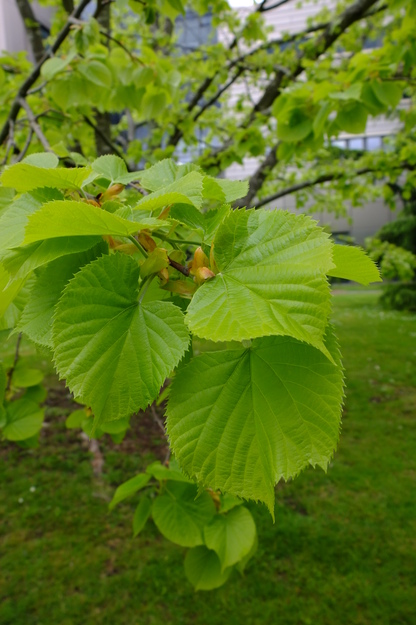
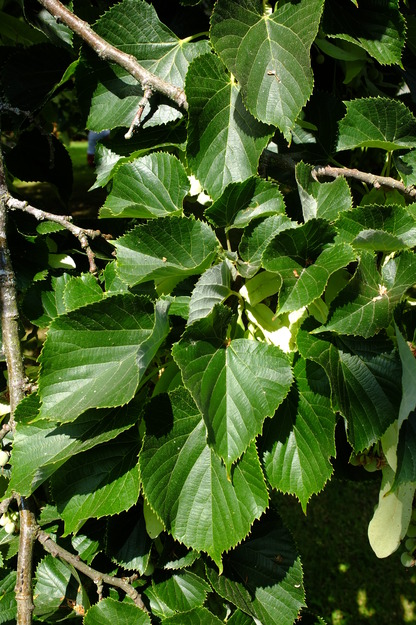
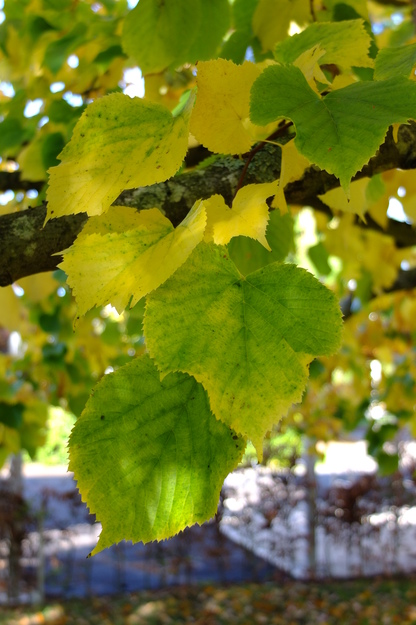
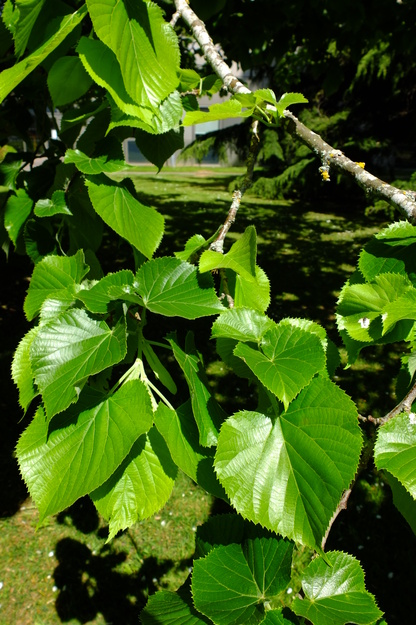
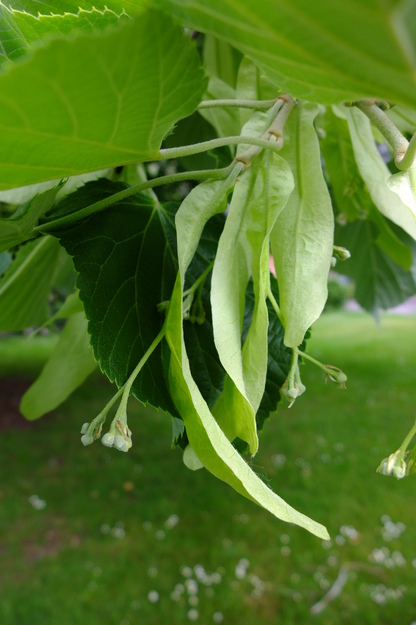
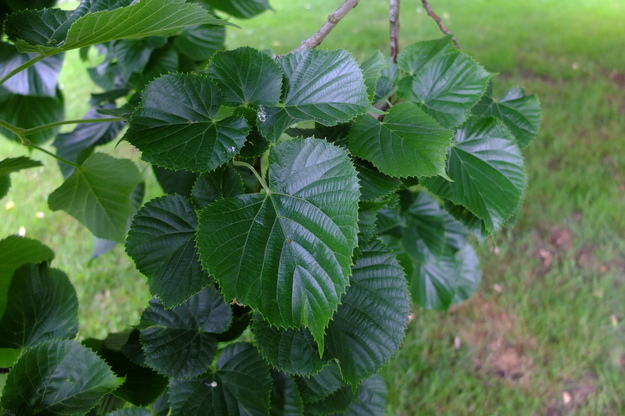
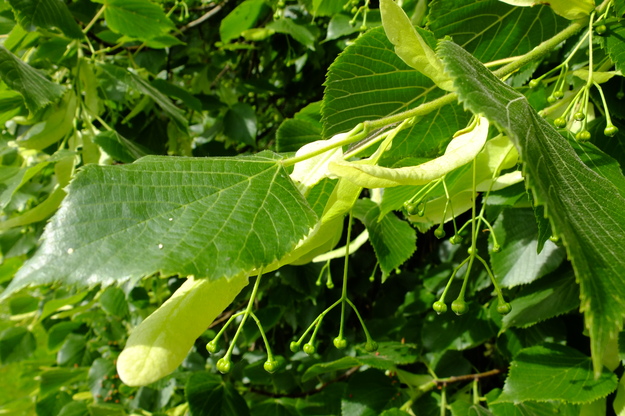
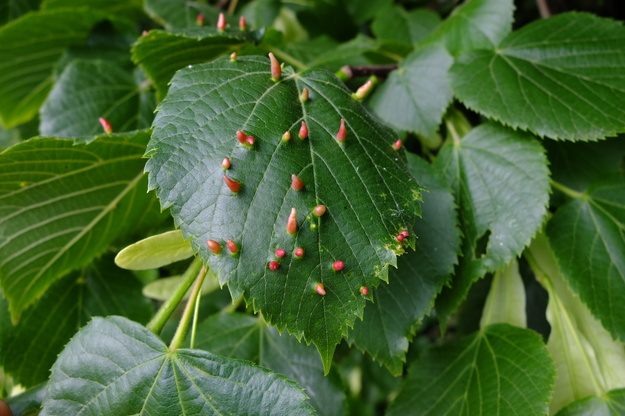
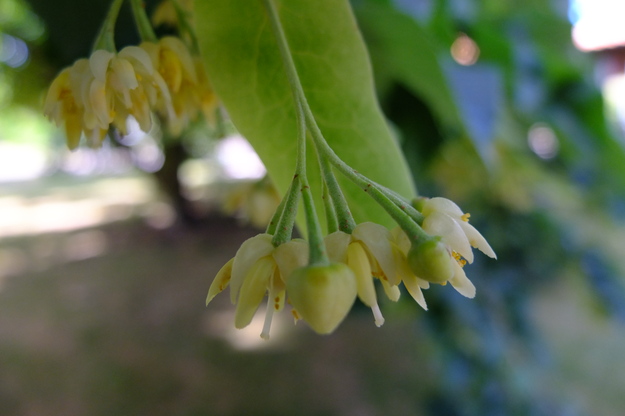
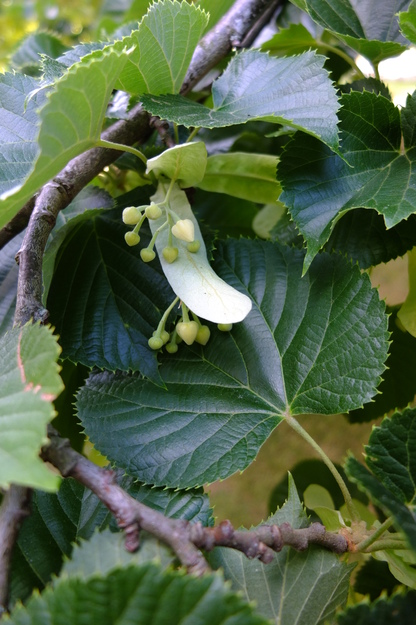
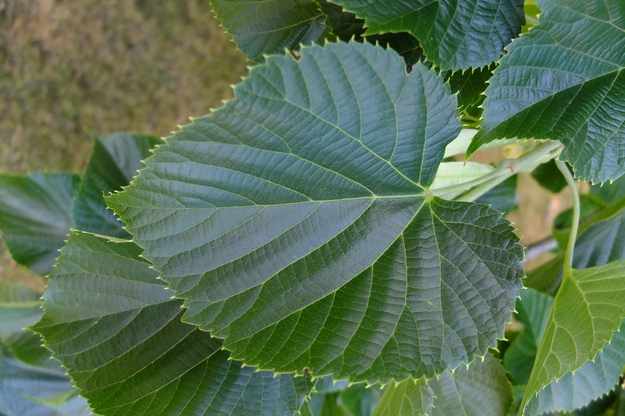
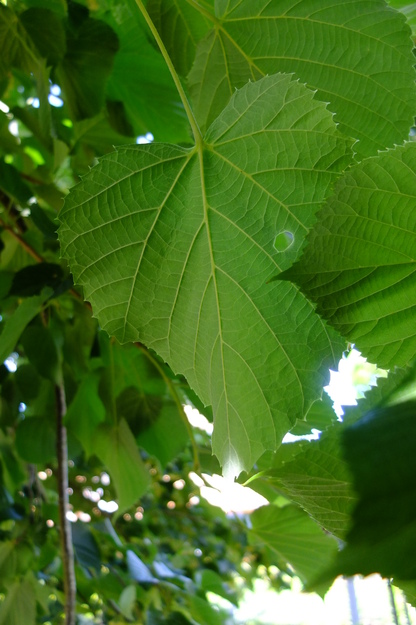
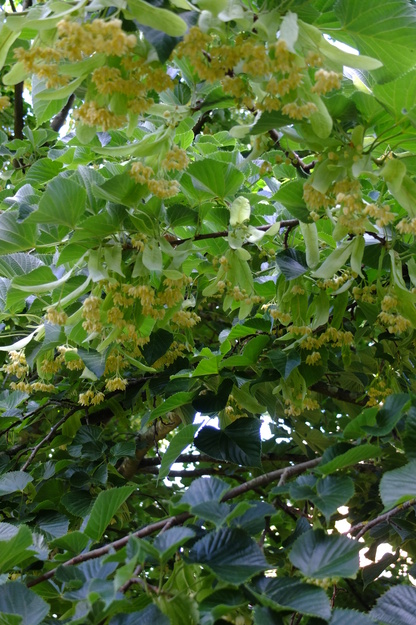
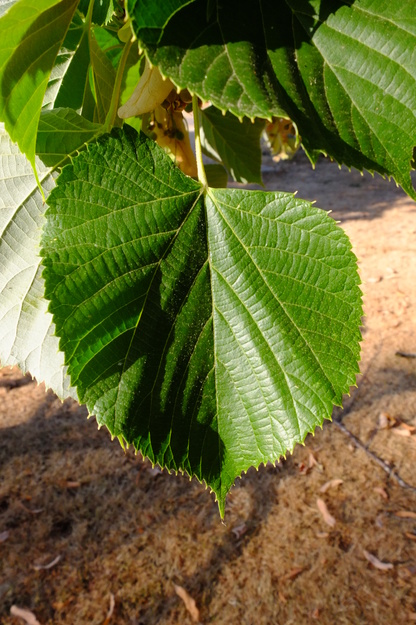
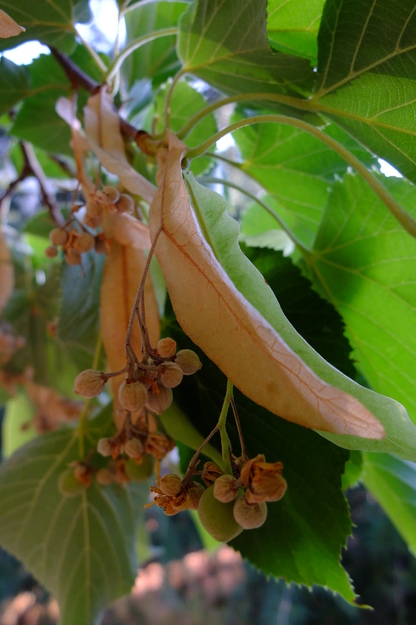
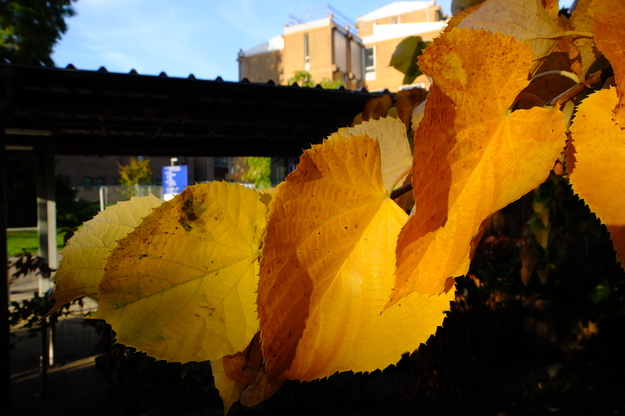
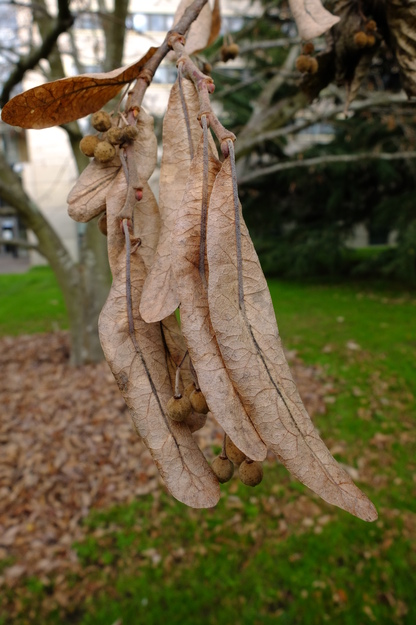
Tilia maximowicziana is a species of deciduous broadleaf flowering plants (in the Malvaceae or Mallow family), native to Japan and Kunashir Island. The tree can grow to 30 metres and forms the dominant canopy species in some mountain forests of northern Japan. It has large heart-shaped leaves with toothed edges, and bears small light yellow-green fragrant flowers which hang below the leaves in bunches of up to about 10, more than in native Tilia (lime or linden) species. As in all Tilia species, the flowers are accompanied by long ribbon-shaped leaves (bracts), which become noticeable in summer because they turn yellow earlier than the other leaves; nonetheless, they persist on the tree into autumn, along with the clusters of small round dry fruit.
External webpages
about this species


about this species
How to use the map
Drag with your finger or mouse to move the map.
 Zoom in or out. You can also do this with the mousewheel or by pinching.
Marker of the position of an identified tree, while the map is zoomed out. For the details, zoom in until you see tree markers like the following …

 Clicking on a tree marker brings up a window (called a "popup")
identifying the species of the tree there, with a small photo of it and buttons
to display more photos and information. NB only a few hundred of the thousands
of trees are marked!
Clicking on a tree marker brings up a window (called a "popup")
identifying the species of the tree there, with a small photo of it and buttons
to display more photos and information. NB only a few hundred of the thousands
of trees are marked!
7Marker of a tree of the selected species; clicking it will zoom and centre the map on this tree, and bring up a photo of it in the frame.
 Marker of a British Isles champion tree in
The Tree Register.
Marker of a British Isles champion tree in
The Tree Register.
✕ Click the cross at the top right of any window, including this one, to get rid of it.
 ✕
Click to dismiss all the popups at once.
✕
Click to dismiss all the popups at once.
Choose alternative versions of the map. The tree markers, popups, map centre and zoom are all unaffected by switching.
 Turn on a flashing dot which tracks your live location on the map, surrounded
by a circle indicating the accuracy of the location. This will work
only if your device has a satellite navigation (GPS etc.) receiver which is
enabled and can acquire a signal. You will probably be asked to allow the
website to access "location services" the first time you press this button.
The button flashes orange while trying to locate you,
and green while your location is shown. Press it again to turn it off.
Turn on a flashing dot which tracks your live location on the map, surrounded
by a circle indicating the accuracy of the location. This will work
only if your device has a satellite navigation (GPS etc.) receiver which is
enabled and can acquire a signal. You will probably be asked to allow the
website to access "location services" the first time you press this button.
The button flashes orange while trying to locate you,
and green while your location is shown. Press it again to turn it off.
 Recentre the map on your present location, while live location is switched on.
 Reset the map to its original centre and zoom.
To click on a tree, zoom in until you see
tree markers
Library SouthSee all photos of this tree