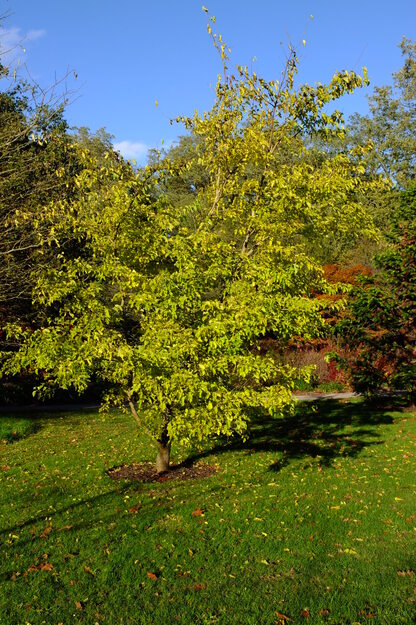
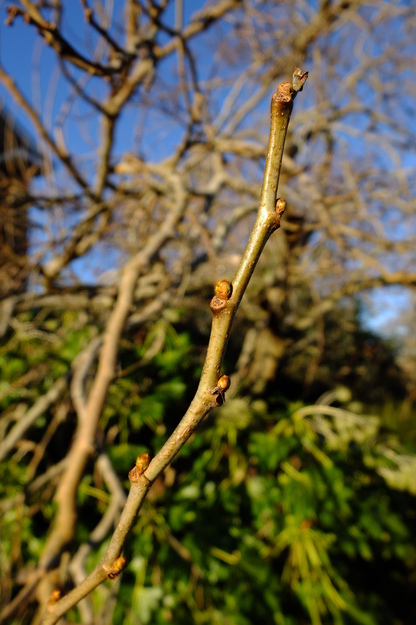
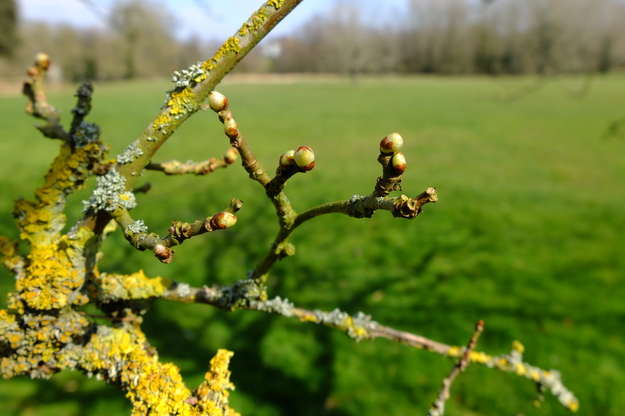
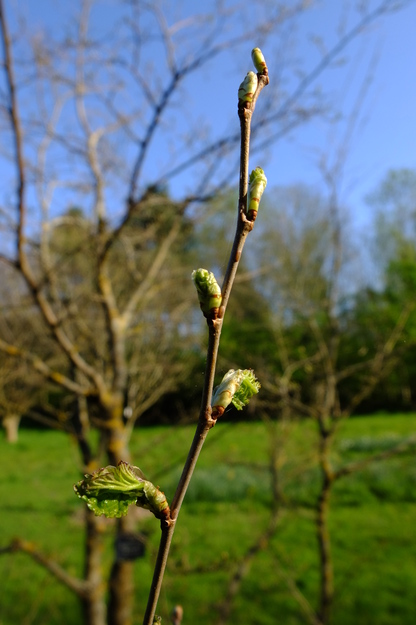
Morus alba is a species of deciduous broadleaf flowering plants (in the Moraceae or Mulberry family), native to central China. It is a small tree or large shrub up to about 15 metres tall.
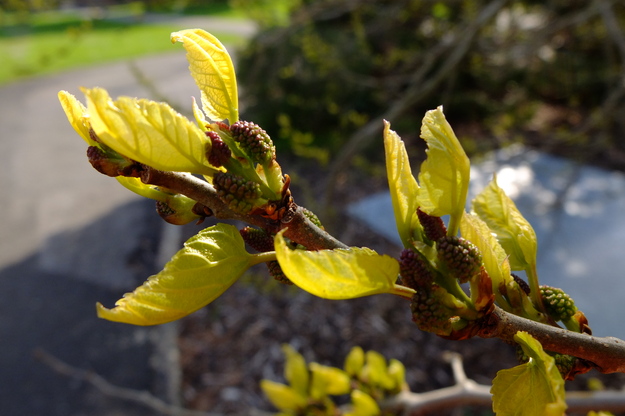
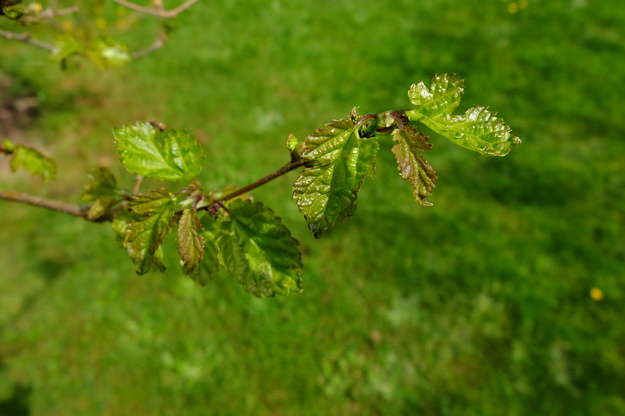
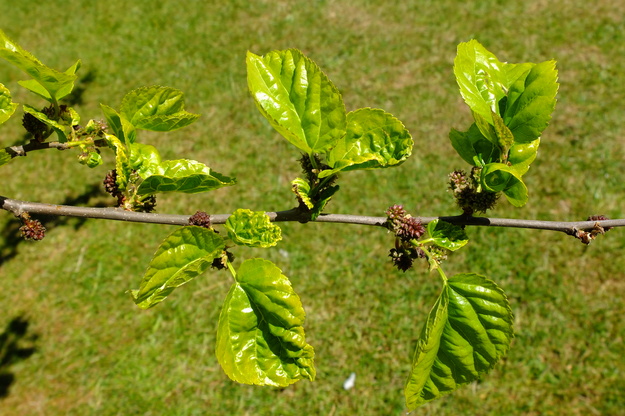
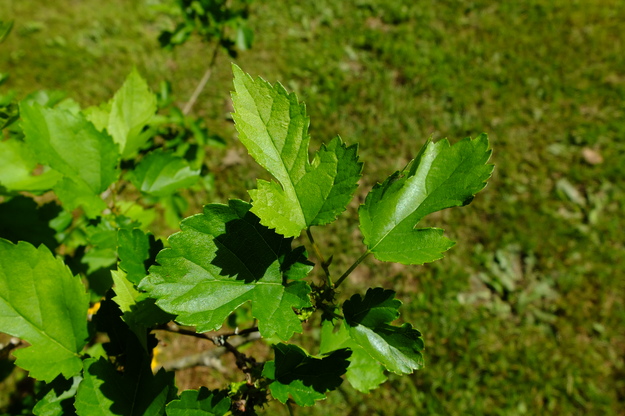
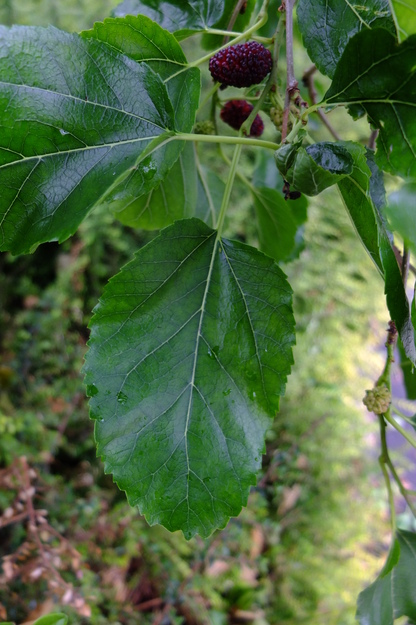
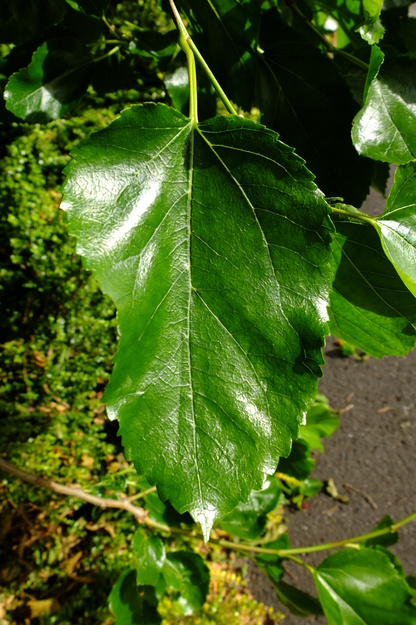
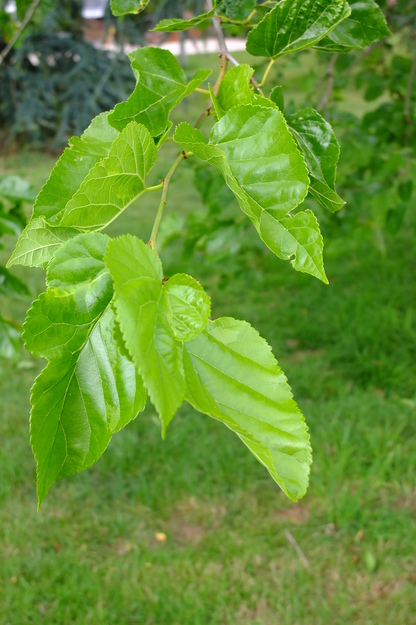
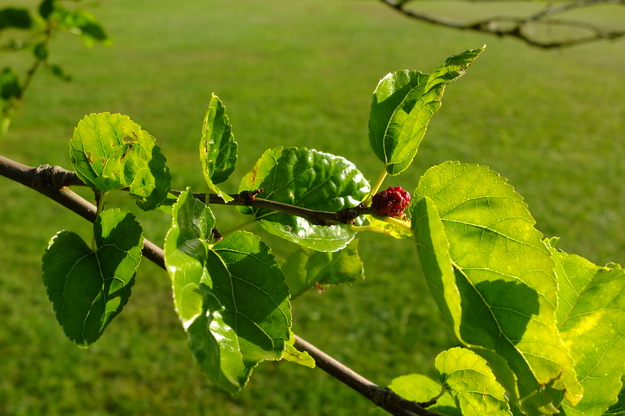
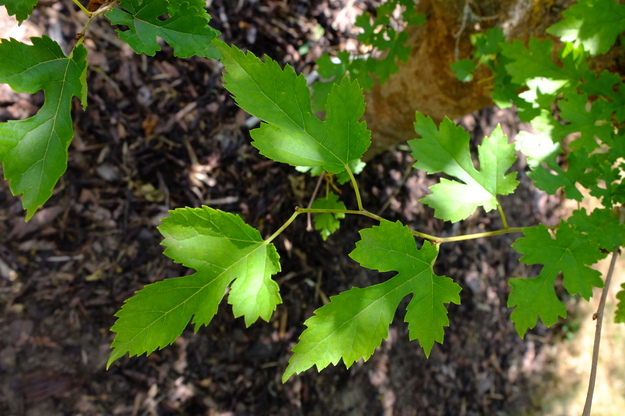
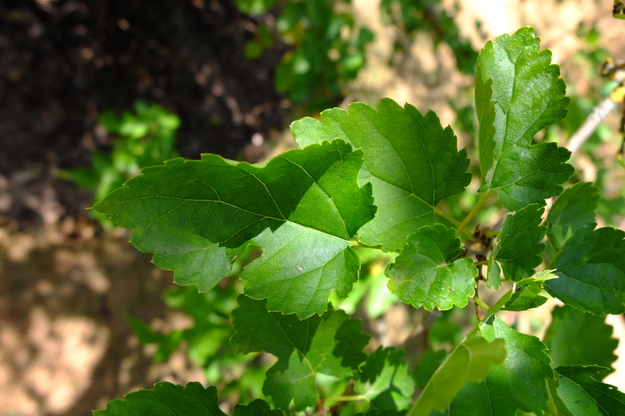
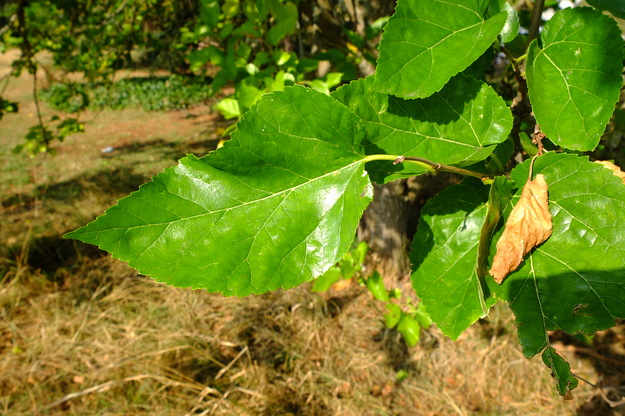
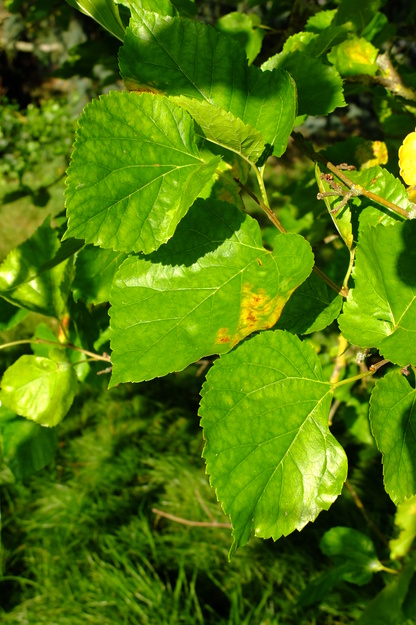
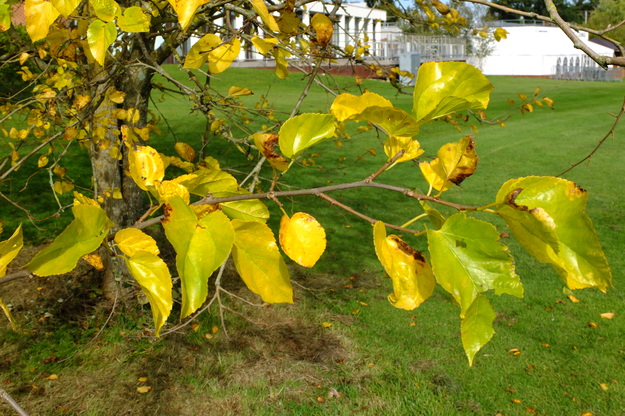
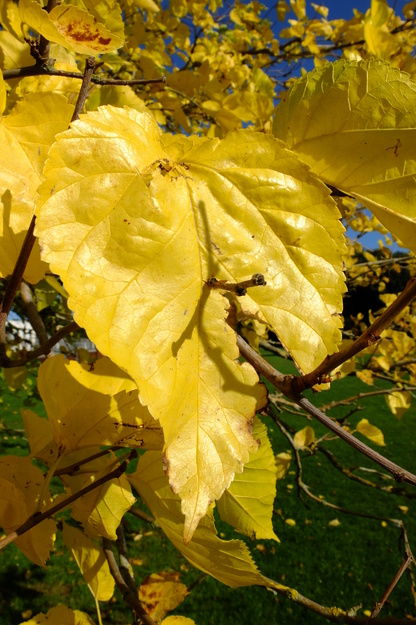
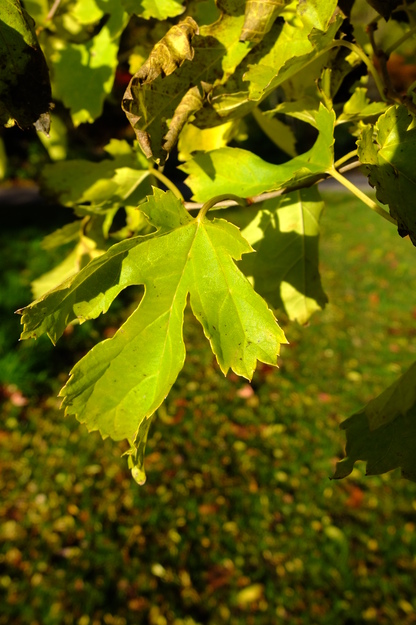
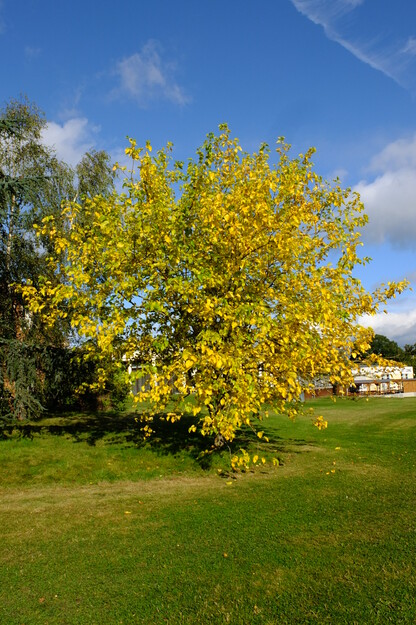
The leaves of Morus alba are bright green and glossy, smooth on the upper surface, of variable size and irregular shape. On young shoots they may be divided into a small number of large lobes, and roughly serrated (with forward-pointing teeth) but on old shoots and mature trees they tend to be heart-shaped or oval, with a pointed tip, and rounded teeth.
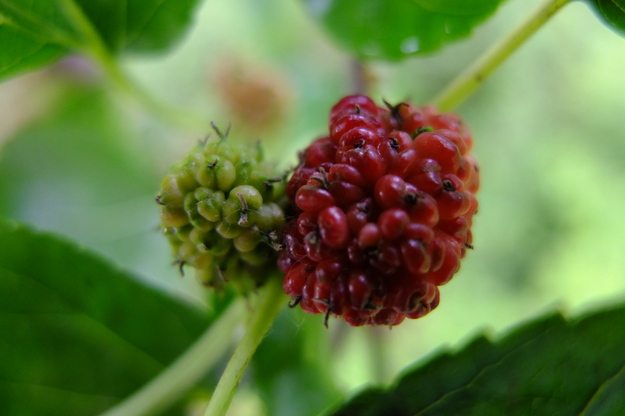
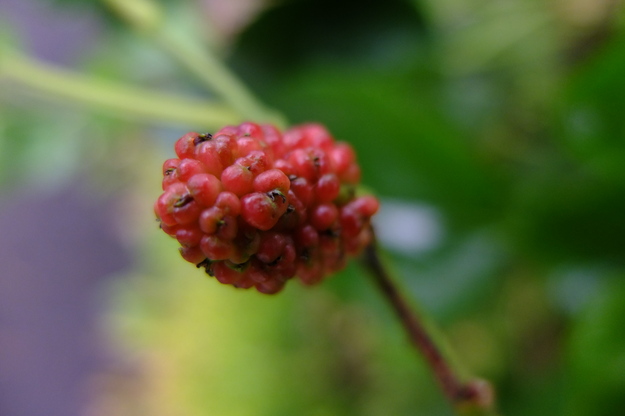
The mulberry fruit is quite large and comprises a tight cluster of small fruits (in botanic terms, like a blackberry). It develops during spring and summer, initially green, then red, finally dark purple or black in the wild, but some cultivated varieties produce pink or white mulberries. They are edible and sweet but not strongly tasting, and are used traditionally for various culinary purposes in Asia.
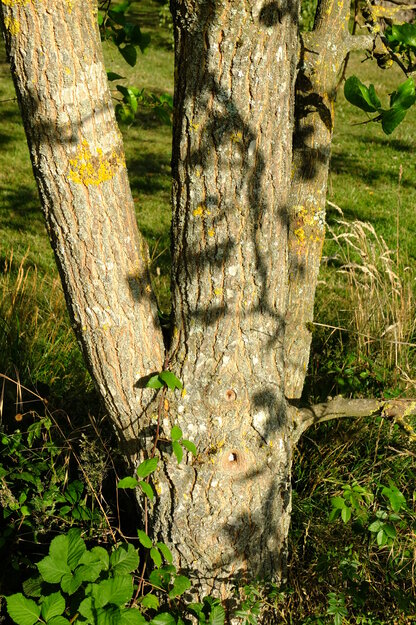
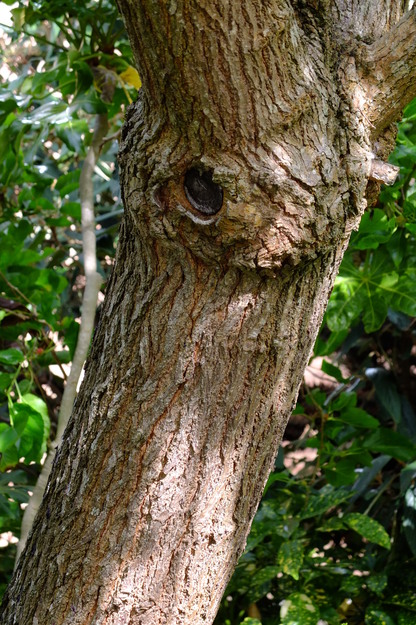
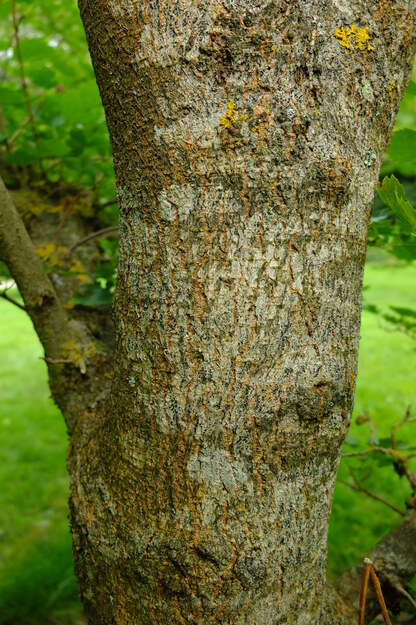
Morus alba has been cultivated since at least 2700 BC in north-west China, being the tree on which domesticated and wild silkworms feed. Silk manufacture began in the Indian subcontinent not long after. Silkwork eggs were smuggled from Asia in 555 AD to begin silk production in the Eastern Roman Empire, using the leaves of Morus nigra (also present in Whiteknights Park). Morus alba was introduced to Europe in the 15th century, and probably to southern England in the 16th. The bark of the Morus alba is fibrous and can be used to make paper.
External webpages
about this species


about this species
How to use the map
Drag with your finger or mouse to move the map.
 Zoom in or out. You can also do this with the mousewheel or by pinching.
Marker of the position of an identified tree, while the map is zoomed out. For the details, zoom in until you see tree markers like the following …

 Clicking on a tree marker brings up a window (called a "popup")
identifying the species of the tree there, with a small photo of it and buttons
to display more photos and information. NB only a few hundred of the thousands
of trees are marked!
Clicking on a tree marker brings up a window (called a "popup")
identifying the species of the tree there, with a small photo of it and buttons
to display more photos and information. NB only a few hundred of the thousands
of trees are marked!
7Marker of a tree of the selected species; clicking it will zoom and centre the map on this tree, and bring up a photo of it in the frame.
 Marker of a British Isles champion tree in
The Tree Register.
Marker of a British Isles champion tree in
The Tree Register.
✕ Click the cross at the top right of any window, including this one, to get rid of it.
 Click to choose whether more than one popup can be open at once.

 Click to dismiss the open popup, or all open popups. You can also close
the popups by clicking on the map anywhere apart from a popup or marker.
Click to dismiss the open popup, or all open popups. You can also close
the popups by clicking on the map anywhere apart from a popup or marker.
Choose alternative versions of the map. The tree markers, popups, map centre and zoom are all unaffected by switching.
 Turn on a flashing dot which tracks your live location on the map, surrounded
by a circle indicating the accuracy of the location. This will work
only if your device has a satellite navigation (GPS etc.) receiver which is
enabled and can acquire a signal. You will probably be asked to allow the
website to access "location services" the first time you press this button.
The button flashes orange while trying to locate you,
and green while your location is shown. Press it again to turn it off.
Turn on a flashing dot which tracks your live location on the map, surrounded
by a circle indicating the accuracy of the location. This will work
only if your device has a satellite navigation (GPS etc.) receiver which is
enabled and can acquire a signal. You will probably be asked to allow the
website to access "location services" the first time you press this button.
The button flashes orange while trying to locate you,
and green while your location is shown. Press it again to turn it off.
 Recentre the map on your present location, while live location is active.
 Reset the map to its original centre and zoom.
To click on a tree, zoom in until you see
tree markers
Park meadowSee all photos of this tree
Harris GardenSee all photos of this tree