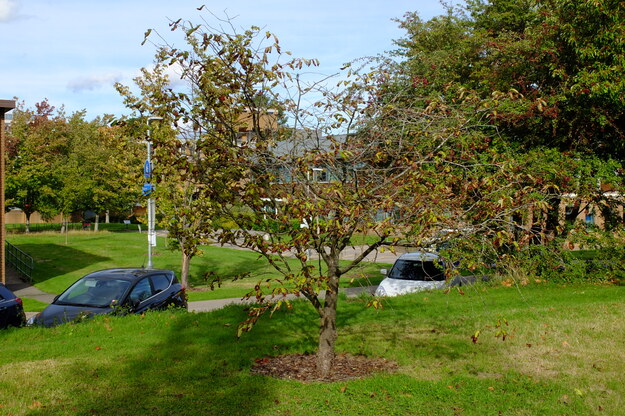
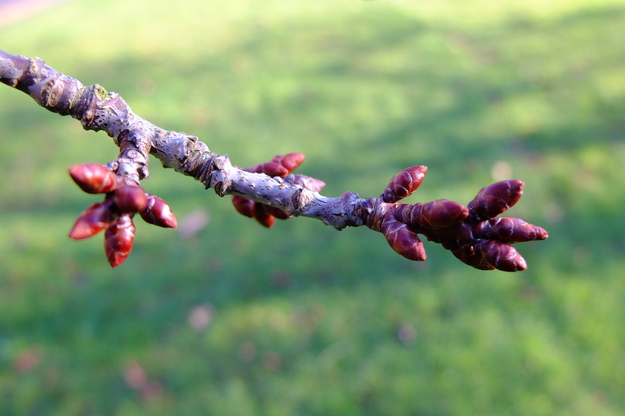
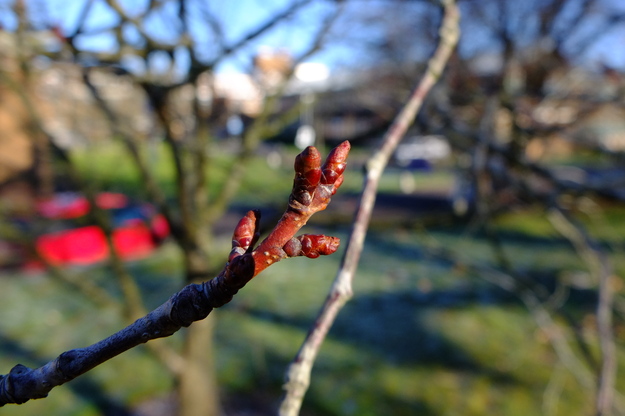
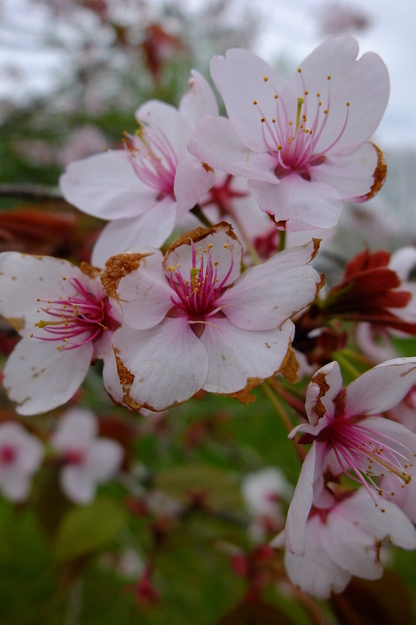
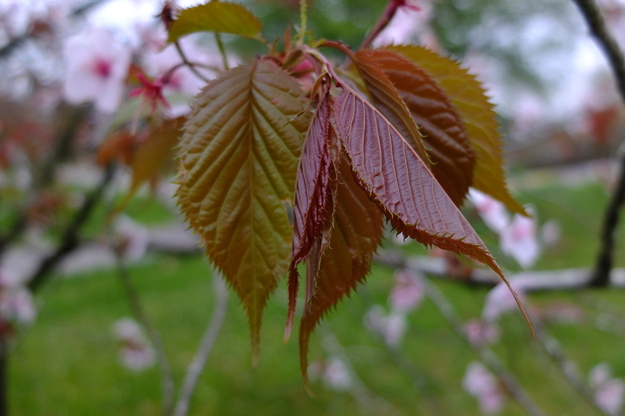
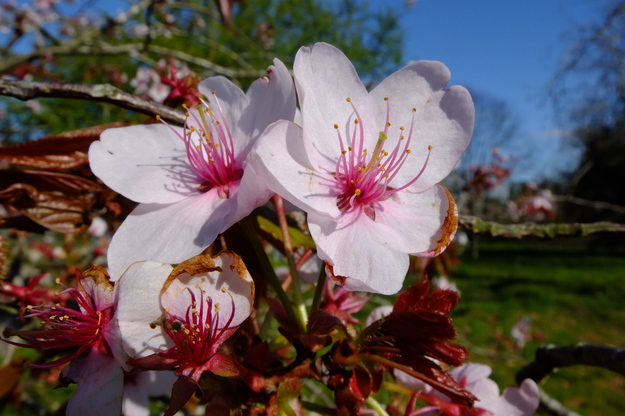
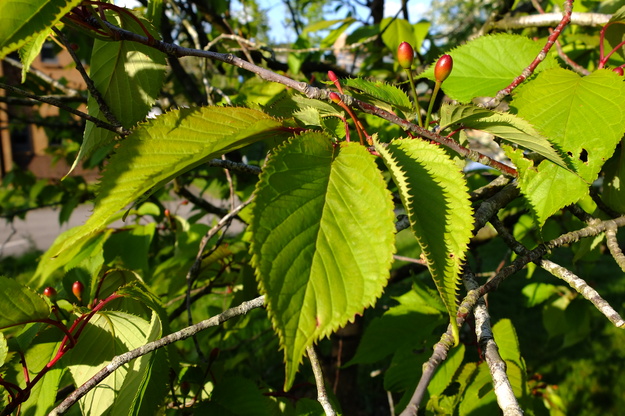
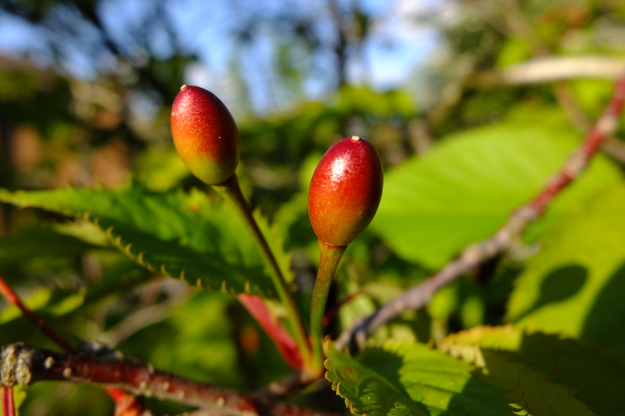
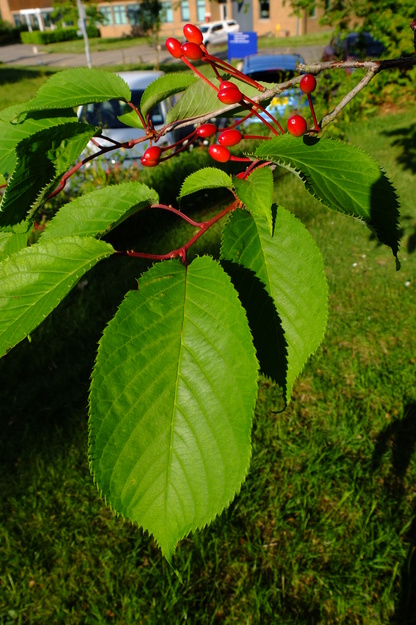
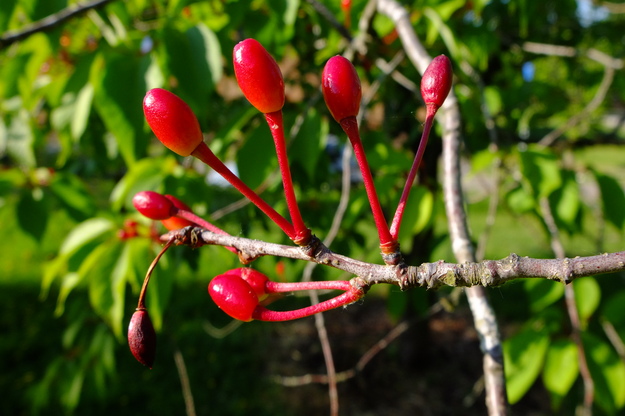
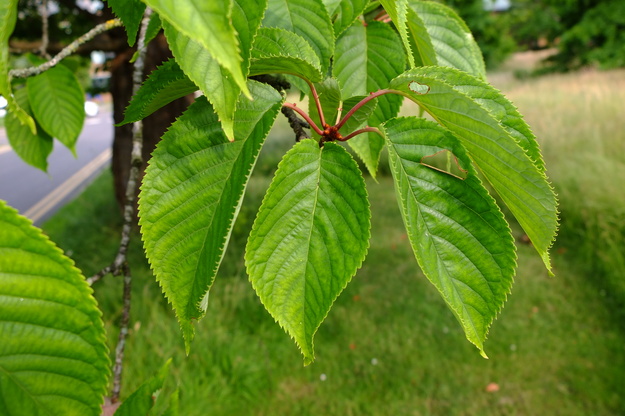
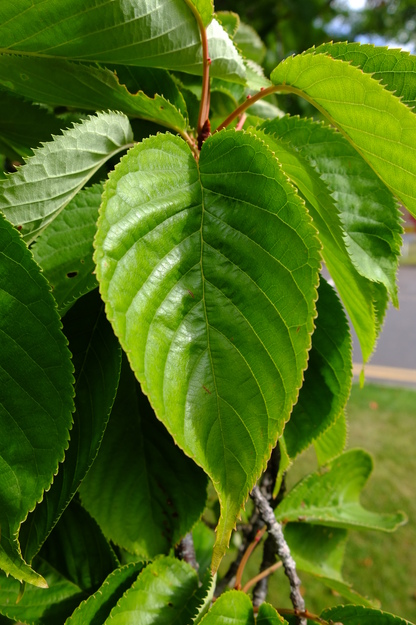
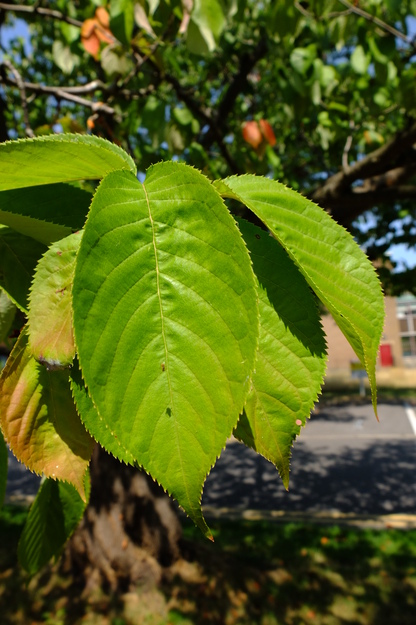
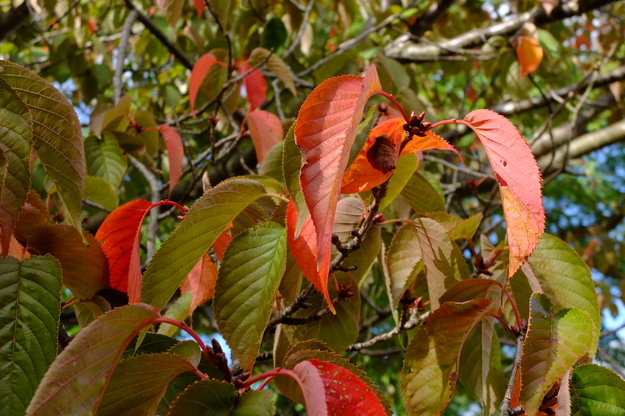
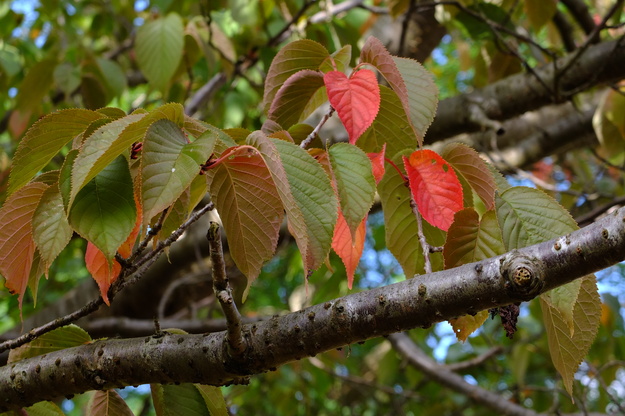
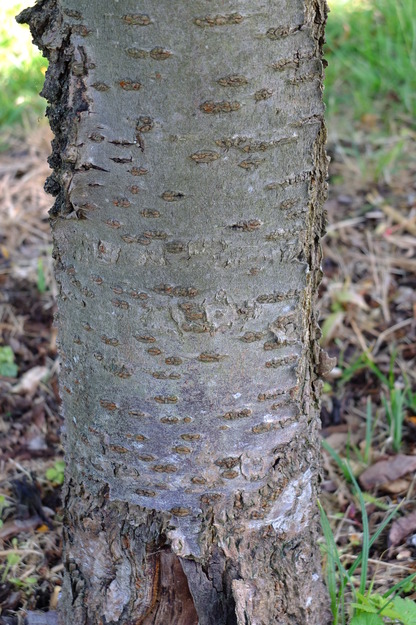
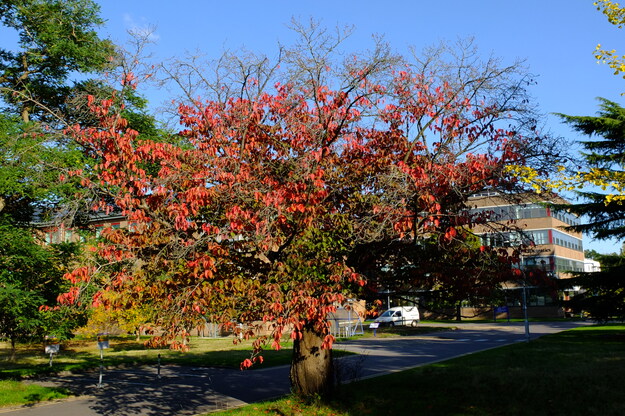
Prunus sargentii is a species of deciduous broadleaf flowering plants (in the Rosaceae or Rose family), native to Japan, Korea and the Russian far East. It produces abundant pale pink to white flowers in spring, followed by small fruits in summer. The foliage emerges bronze-green, develops into rich green during summer, and turns brilliant orange, red and scarlet in autumn. The tree was introduced to the USA by the Arnold Arboretum of Harvard University in Boston during the late 1800s, and is named after its director, Charles Sprague Sargent. Being among the most beautiful of cherry trees in both blossom and autumn colour, it makes an excellent specimen for parks and gardens, as well being suitable as a street tree.
External webpages
about this species


about this species
How to use the map
Drag with your finger or mouse to move the map.
 Zoom in or out. You can also do this with the mousewheel or by pinching.
Marker of the position of an identified tree, while the map is zoomed out. For the details, zoom in until you see tree markers like the following …

 Clicking on a tree marker brings up a window (called a "popup")
identifying the species of the tree there, with a small photo of it and buttons
to display more photos and information. NB only a few hundred of the thousands
of trees are marked!
Clicking on a tree marker brings up a window (called a "popup")
identifying the species of the tree there, with a small photo of it and buttons
to display more photos and information. NB only a few hundred of the thousands
of trees are marked!
7Marker of a tree of the selected species; clicking it will zoom and centre the map on this tree, and bring up a photo of it in the frame.
 Marker of a British Isles champion tree in
The Tree Register.
Marker of a British Isles champion tree in
The Tree Register.
✕ Click the cross at the top right of any window, including this one, to get rid of it.
 Click to choose whether more than one popup can be open at once.

 Click to dismiss the open popup, or all open popups. You can also close
the popups by clicking on the map anywhere apart from a popup or marker.
Click to dismiss the open popup, or all open popups. You can also close
the popups by clicking on the map anywhere apart from a popup or marker.
Choose alternative versions of the map. The tree markers, popups, map centre and zoom are all unaffected by switching.
 Turn on a flashing dot which tracks your live location on the map, surrounded
by a circle indicating the accuracy of the location. This will work
only if your device has a satellite navigation (GPS etc.) receiver which is
enabled and can acquire a signal. You will probably be asked to allow the
website to access "location services" the first time you press this button.
The button flashes orange while trying to locate you,
and green while your location is shown. Press it again to turn it off.
Turn on a flashing dot which tracks your live location on the map, surrounded
by a circle indicating the accuracy of the location. This will work
only if your device has a satellite navigation (GPS etc.) receiver which is
enabled and can acquire a signal. You will probably be asked to allow the
website to access "location services" the first time you press this button.
The button flashes orange while trying to locate you,
and green while your location is shown. Press it again to turn it off.
 Recentre the map on your present location, while live location is active.
 Reset the map to its original centre and zoom.
To click on a tree, zoom in until you see
tree markers
Polly Vacher WestSee all photos of this tree
Miller Wager TriangleSee all photos of this tree