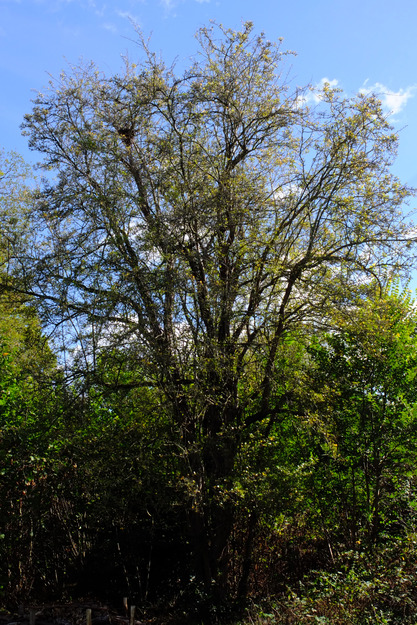
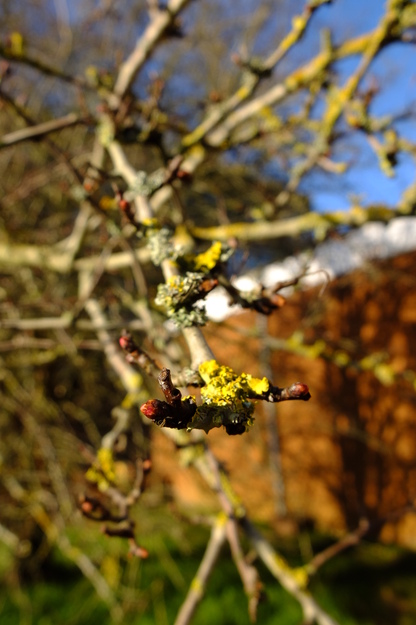
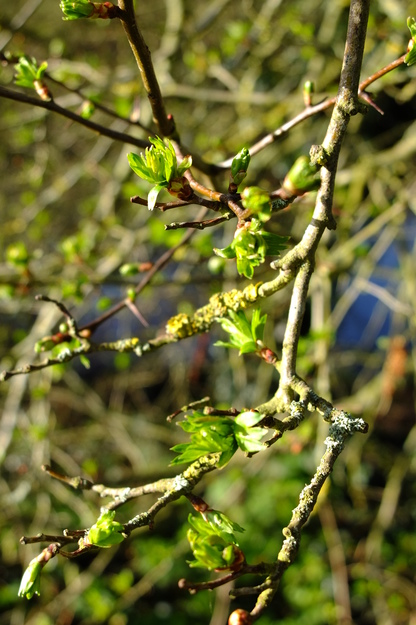
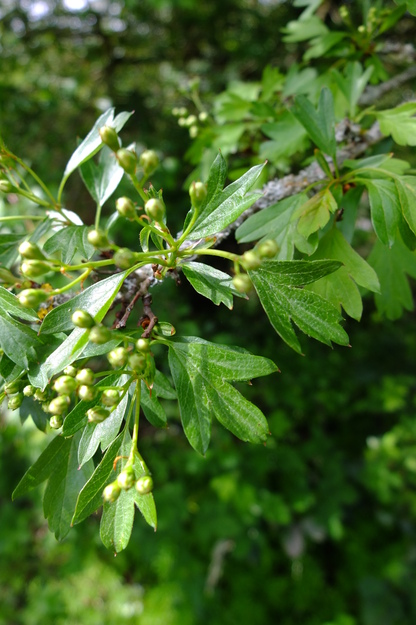
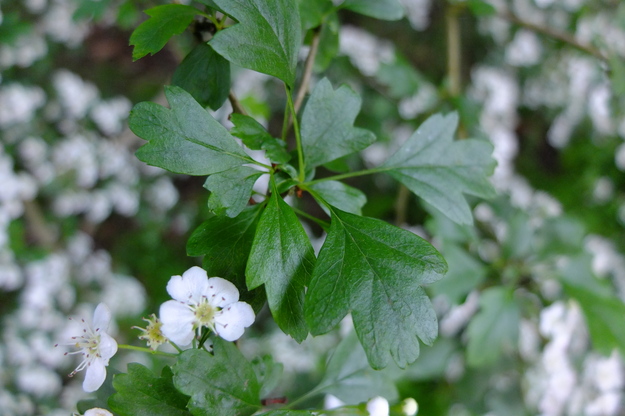
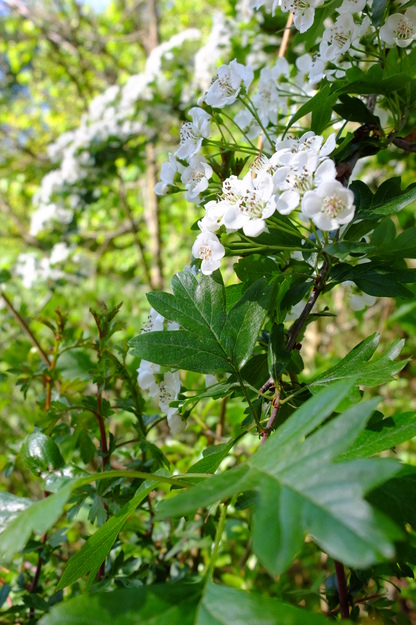
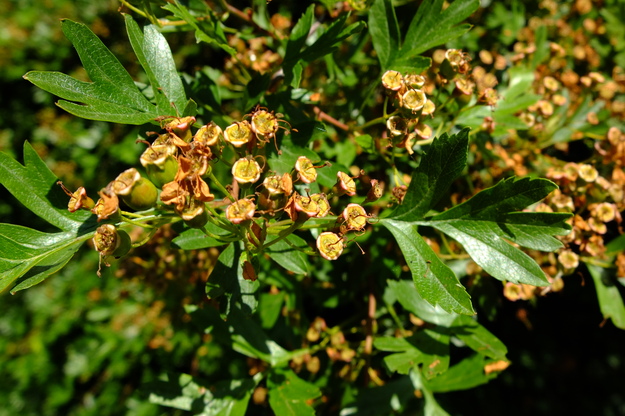
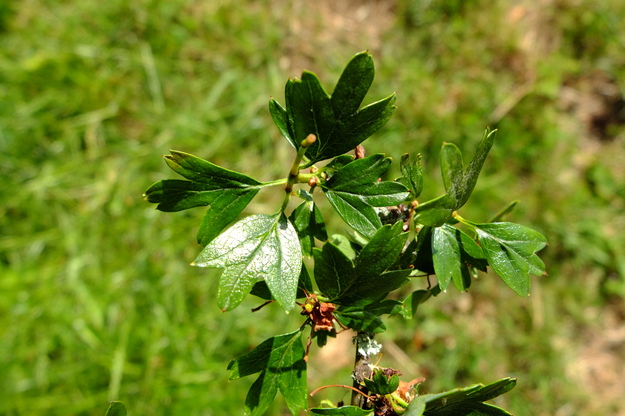
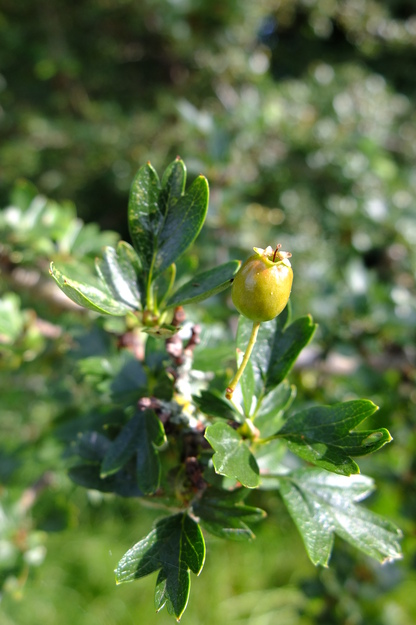
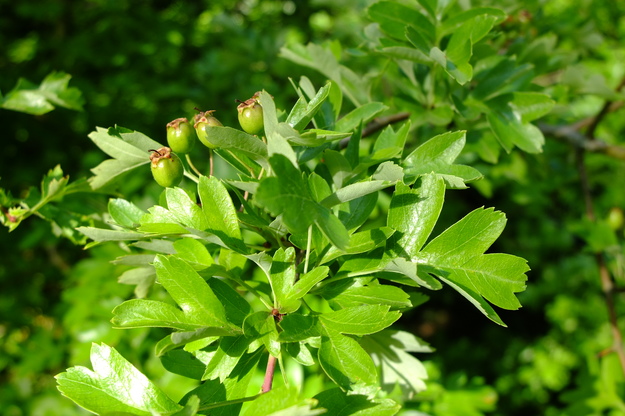
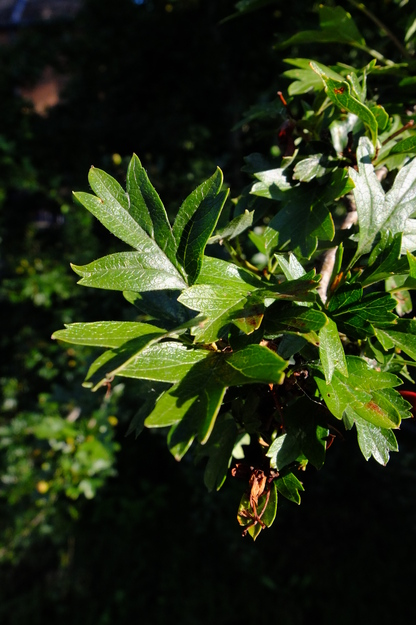
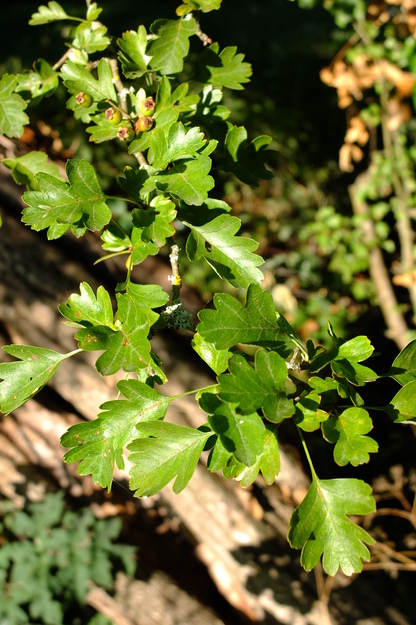
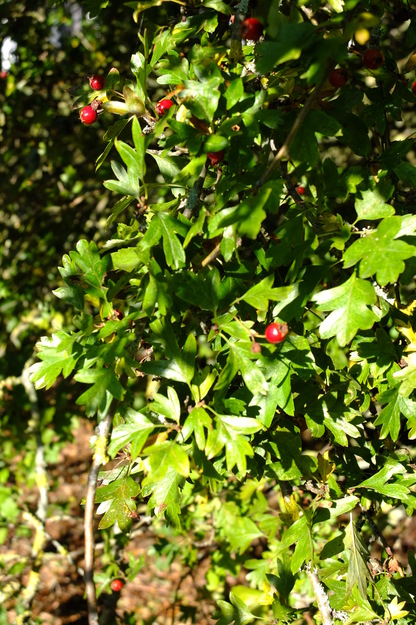
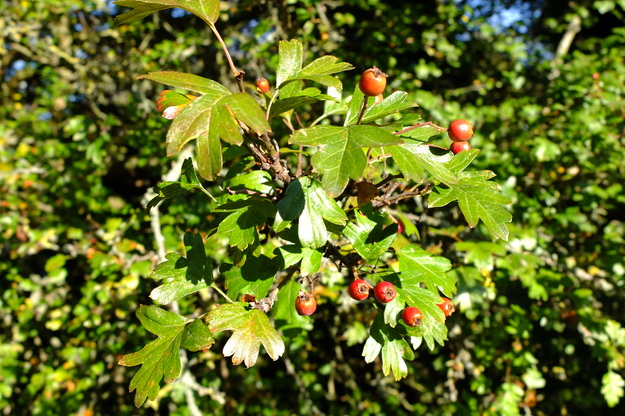
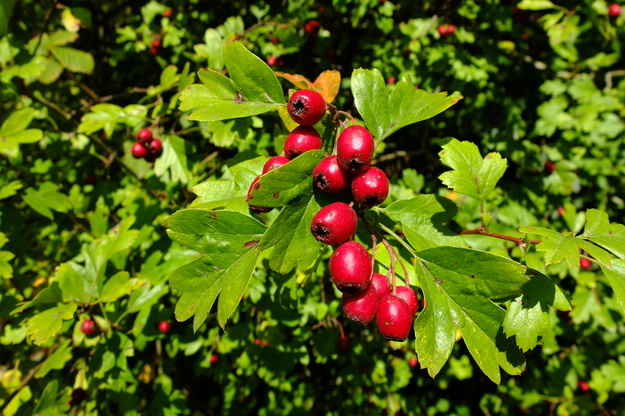
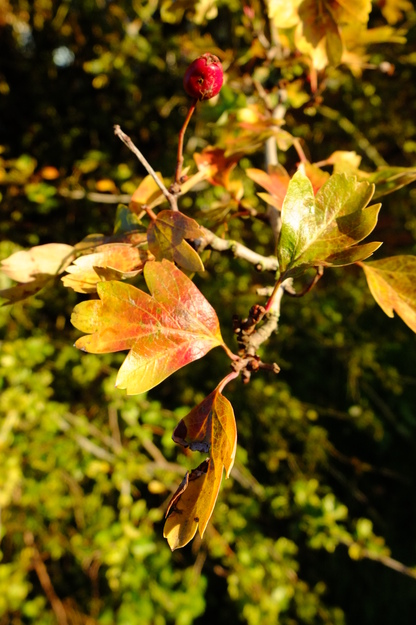
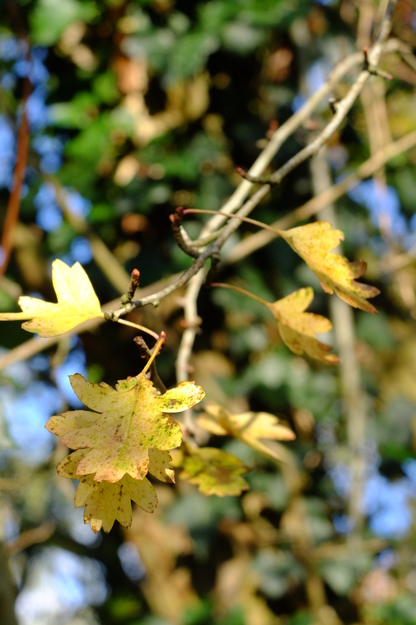
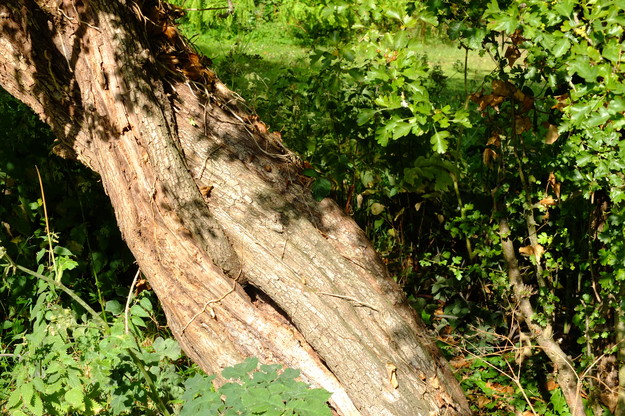
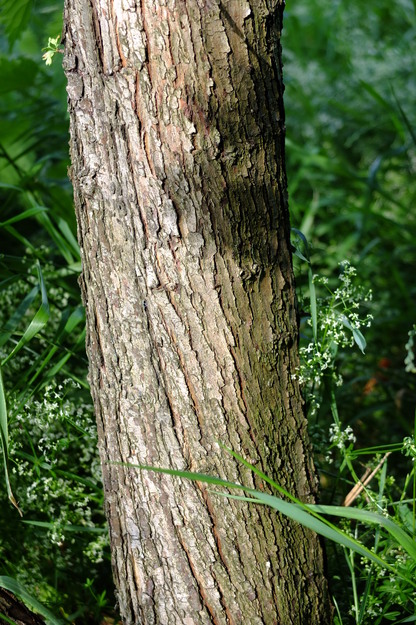
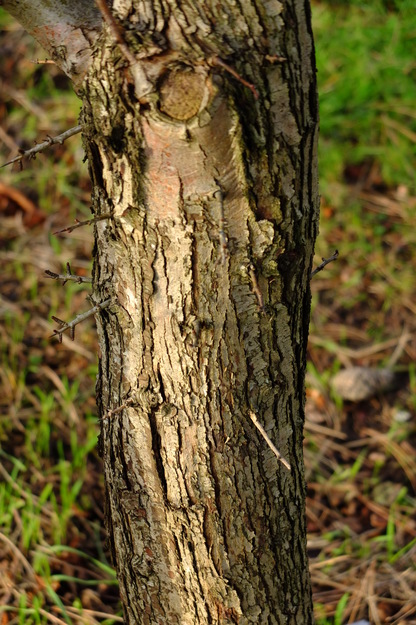
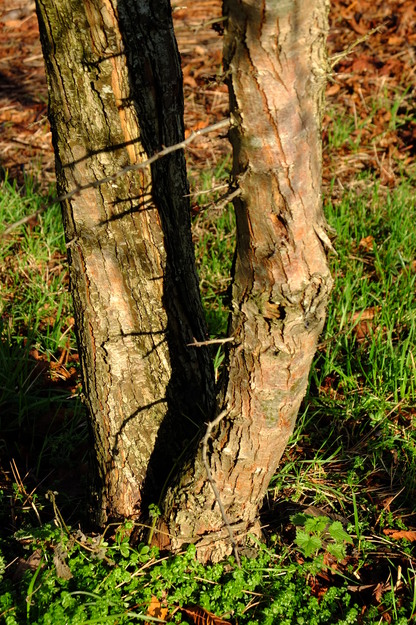
Crataegus monogyna is a species of deciduous broadleaf flowering plants (in the Rosaceae or Rose family), native to Europe including Britain, the Caucasus, the Middle East and north Africa. It is a small tree, of up to 10 metres, that can live for centuries. It assumes a dense, rounded form, from which short drooping branches emerge. Young stems have thorns, and the the trunks of older trees can be rather gnarly. The bark is light grey-brown, with many vertical cracks, revealing an orange colour underneath. The tree has small leaves, with three to seven deeply separated and widely spreading lobes, dark green and glossy on the upper surface, turning yellow, light brown or bronze before falling in mid-autumn.
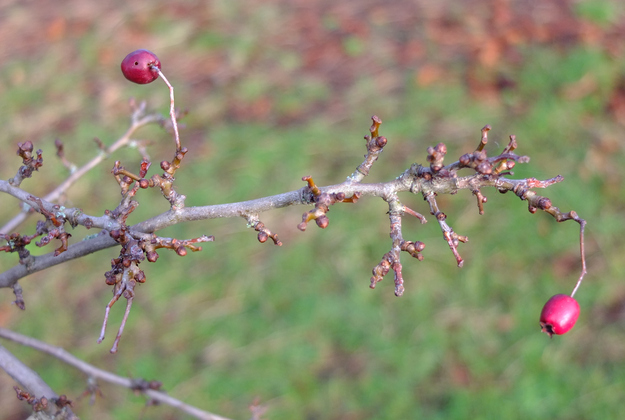
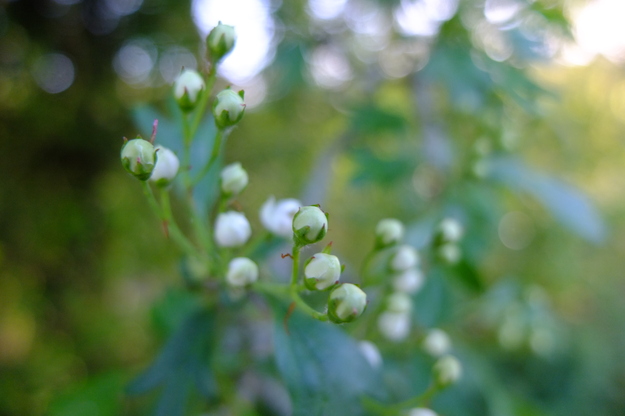
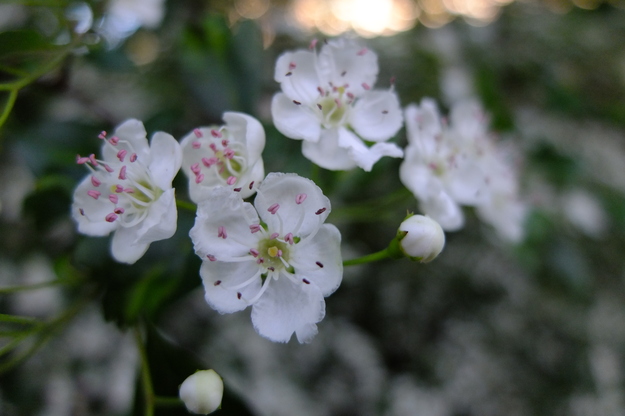
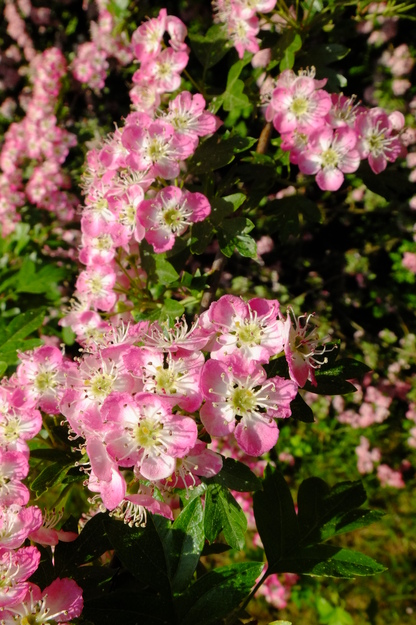
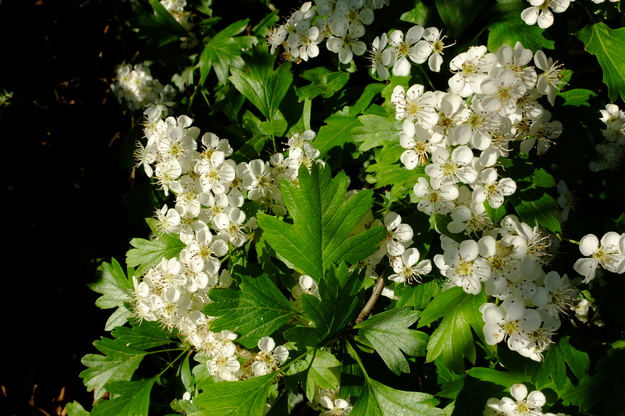
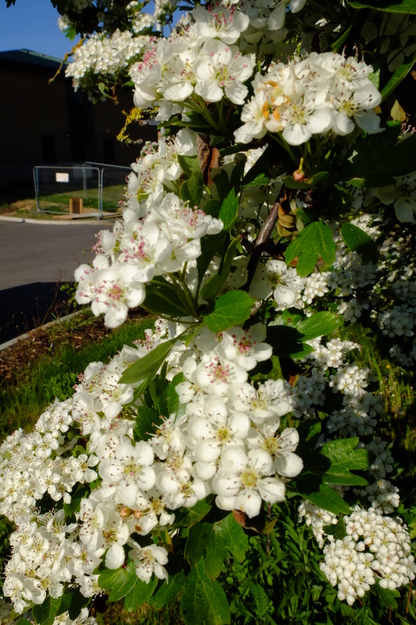
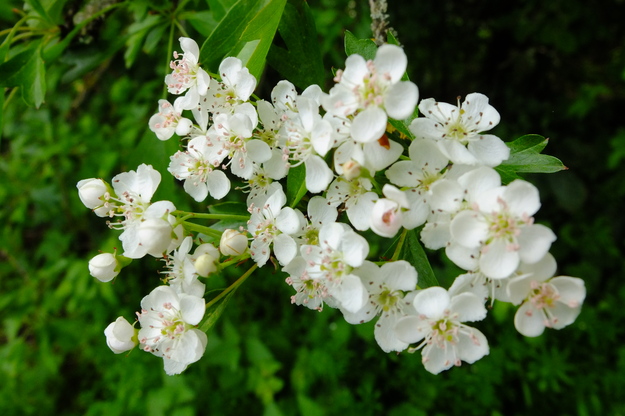
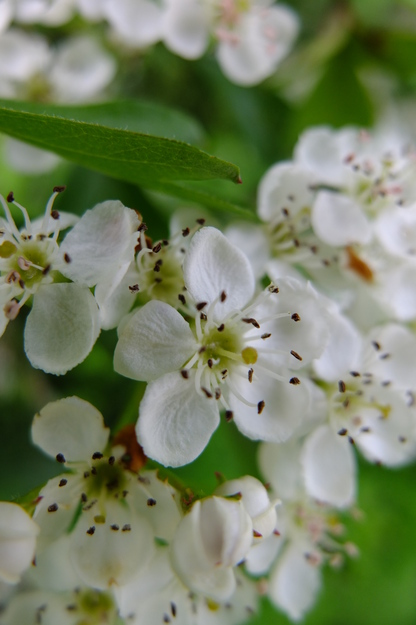
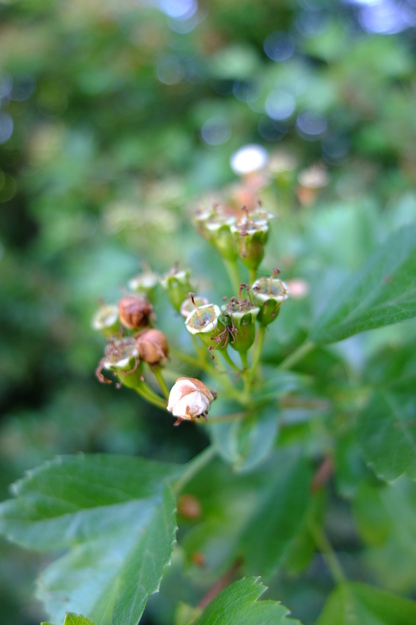
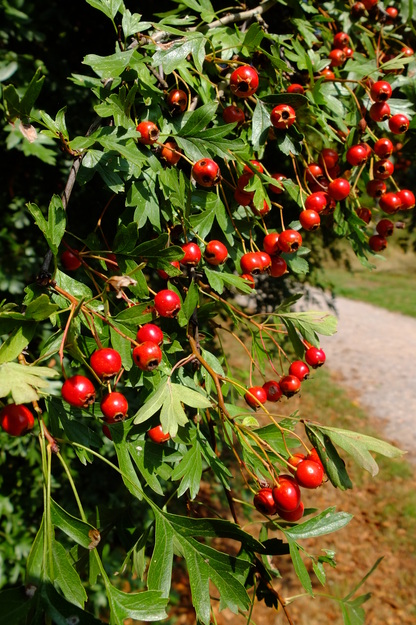
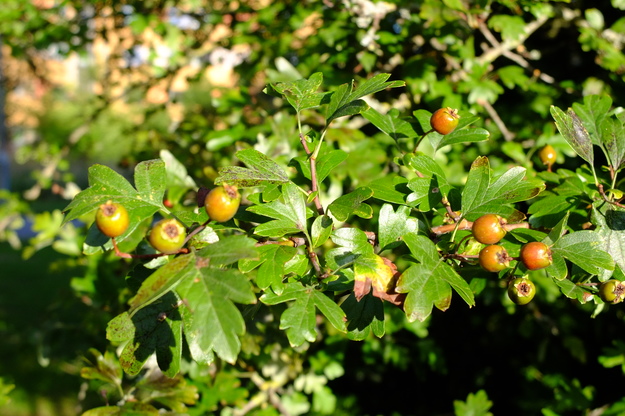
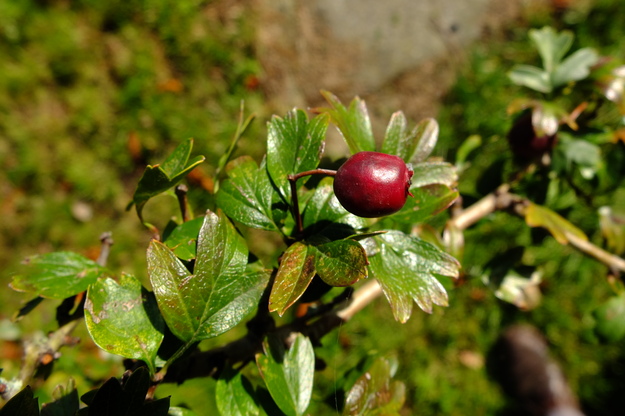
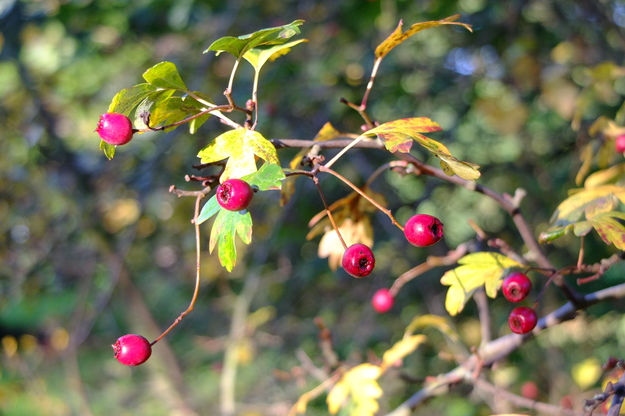
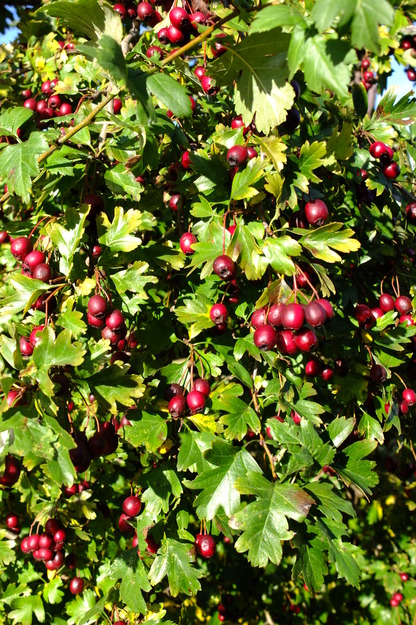
Crataegus monogyna bears profuse white or sometimes pink flowers in May (giving it one of its common names), after the leaves have opened. Like the blackthorn Prunus spinosa, the hawthorn suddenly becomes very obviously abundant in the British countryside while in flower. Later in the year it bears numerous small red fruit, called haws, each containing a stone that itself contains a single seed (see photo from Kheloufi et al. (2018). The haws remain on the tree during winter, producing food for birds, who spread the seeds. They are edible by humans and used to make jelly and jam.

Crataegus monogyna is commonly used as a hedge plant and hence found often along roadsides, in hedgerows and on farms, and in Whiteknights Park around car-parks etc. Hedges are traditionally made from hawthorn by cutting the stems almost right through, bending them down and weaving them together, so they grow into a thorny barrier that animals cannot penetrate; this craft is called hedgelaying.
External webpages
about this species


about this species
How to use the map
Drag with your finger or mouse to move the map.
 Zoom in or out. You can also do this with the mousewheel or by pinching.
Marker of the position of an identified tree, while the map is zoomed out. For the details, zoom in until you see tree markers like the following …

 Clicking on a tree marker brings up a window (called a "popup")
identifying the species of the tree there, with a small photo of it and buttons
to display more photos and information. NB only a few hundred of the thousands
of trees are marked!
Clicking on a tree marker brings up a window (called a "popup")
identifying the species of the tree there, with a small photo of it and buttons
to display more photos and information. NB only a few hundred of the thousands
of trees are marked!
7Marker of a tree of the selected species; clicking it will zoom and centre the map on this tree, and bring up a photo of it in the frame.
 Marker of a British Isles champion tree in
The Tree Register.
Marker of a British Isles champion tree in
The Tree Register.
✕ Click the cross at the top right of any window, including this one, to get rid of it.
 Click to choose whether more than one popup can be open at once.

 Click to dismiss the open popup, or all open popups. You can also close
the popups by clicking on the map anywhere apart from a popup or marker.
Click to dismiss the open popup, or all open popups. You can also close
the popups by clicking on the map anywhere apart from a popup or marker.
Choose alternative versions of the map. The tree markers, popups, map centre and zoom are all unaffected by switching.
 Turn on a flashing dot which tracks your live location on the map, surrounded
by a circle indicating the accuracy of the location. This will work
only if your device has a satellite navigation (GPS etc.) receiver which is
enabled and can acquire a signal. You will probably be asked to allow the
website to access "location services" the first time you press this button.
The button flashes orange while trying to locate you,
and green while your location is shown. Press it again to turn it off.
Turn on a flashing dot which tracks your live location on the map, surrounded
by a circle indicating the accuracy of the location. This will work
only if your device has a satellite navigation (GPS etc.) receiver which is
enabled and can acquire a signal. You will probably be asked to allow the
website to access "location services" the first time you press this button.
The button flashes orange while trying to locate you,
and green while your location is shown. Press it again to turn it off.
 Recentre the map on your present location, while live location is active.
 Reset the map to its original centre and zoom.
To click on a tree, zoom in until you see
tree markers
Mathematics SouthSee all photos of this tree
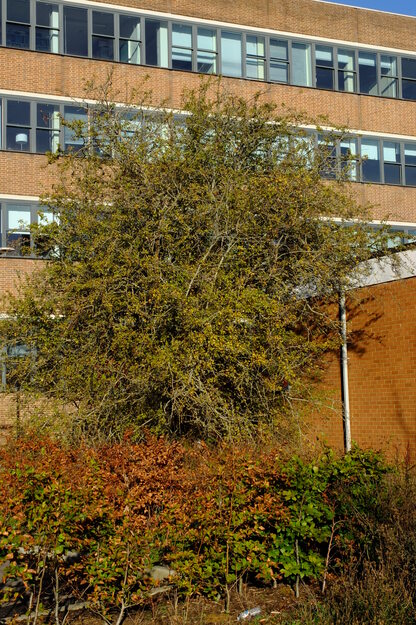
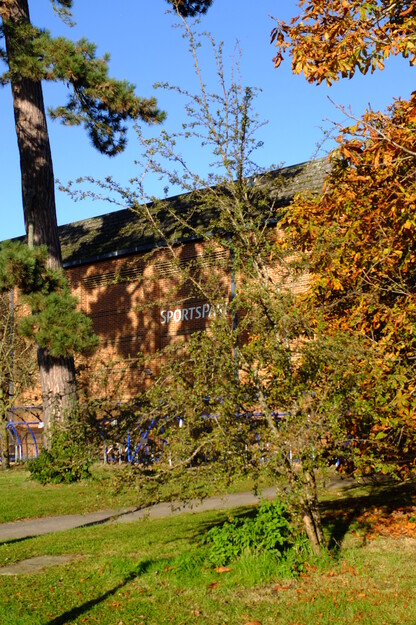
SportsParkSee all photos of this tree
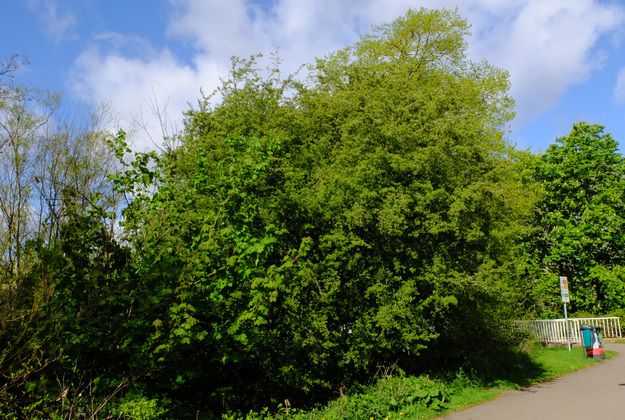
Friends BridgeSee all photos of this tree
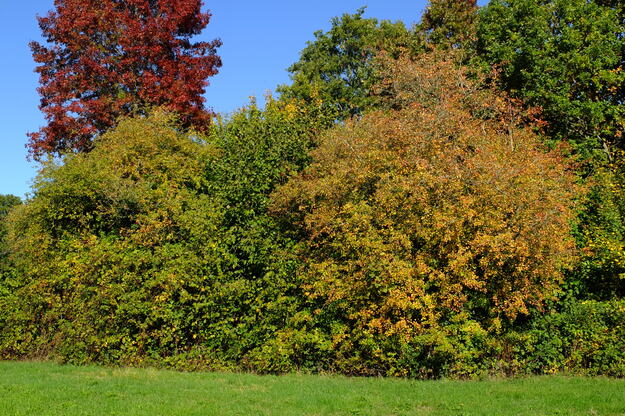
Agromet WaySee all photos of this tree
Sports courtsSee all photos of this tree

Foxhill House WestSee all photos of this tree
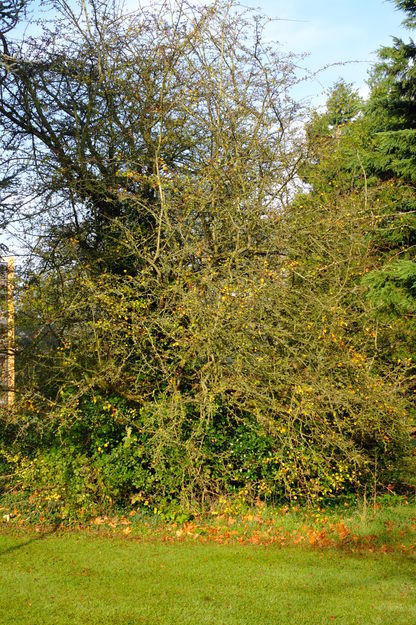
West lake cornerSee all photos of this tree
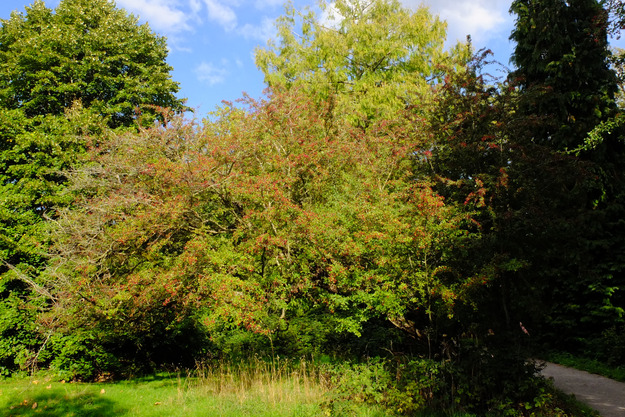
Knight Palmer lawnSee all photos of this tree
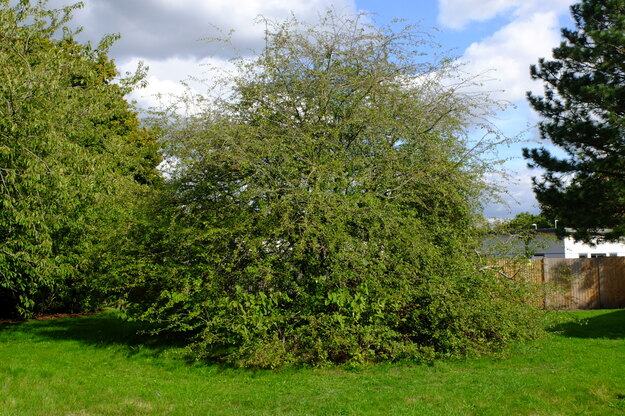
West lakesideSee all photos of this tree
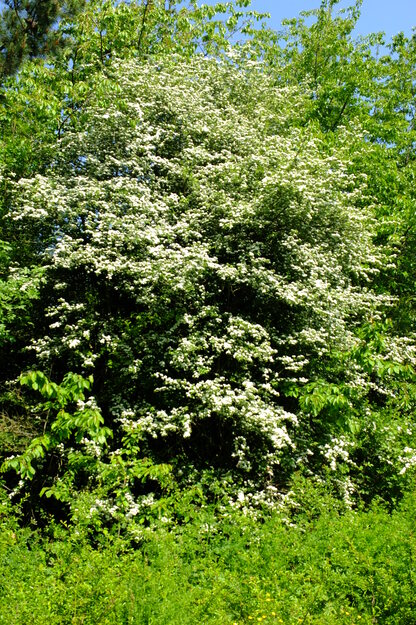
East lakesideSee all photos of this tree
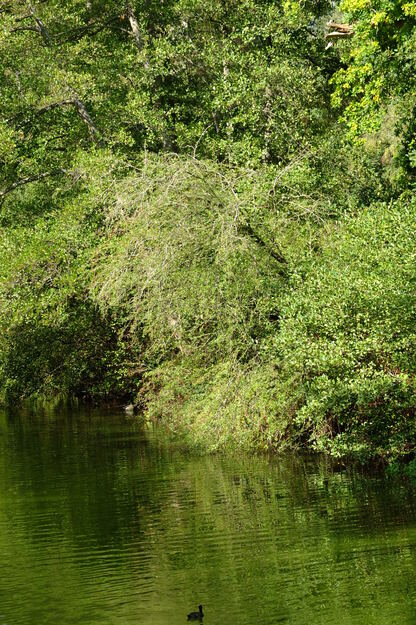
Wessex WaySee all photos of this tree
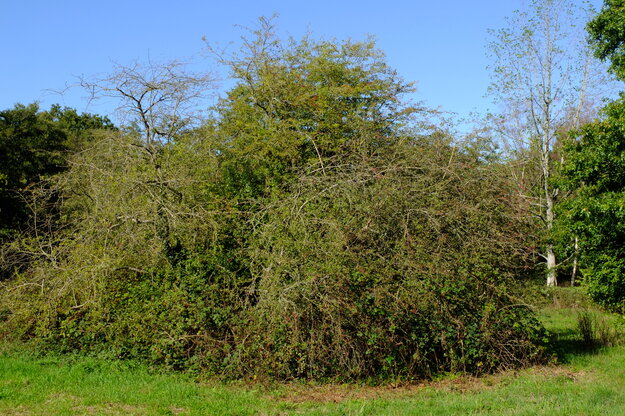
Harris GardenSee all photos of this tree
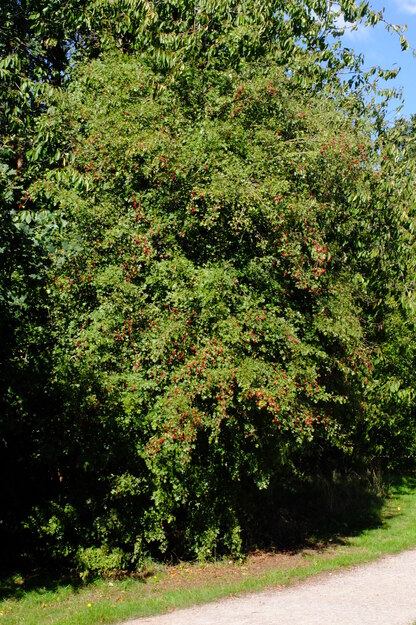
Harris GardenSee all photos of this tree