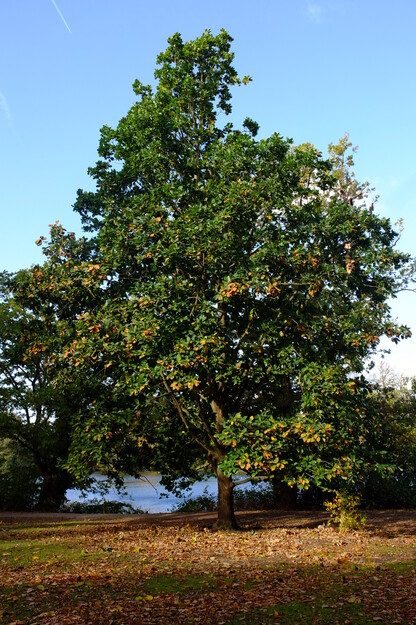
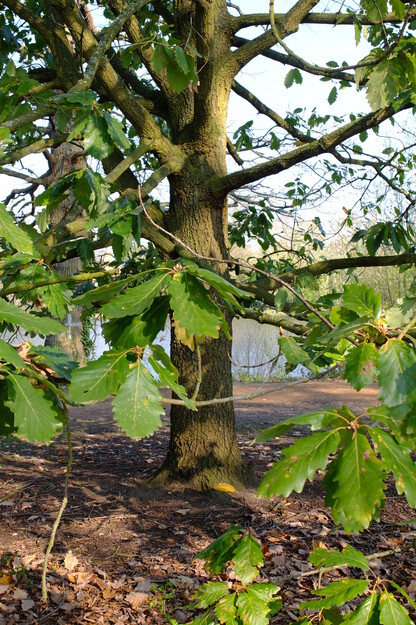
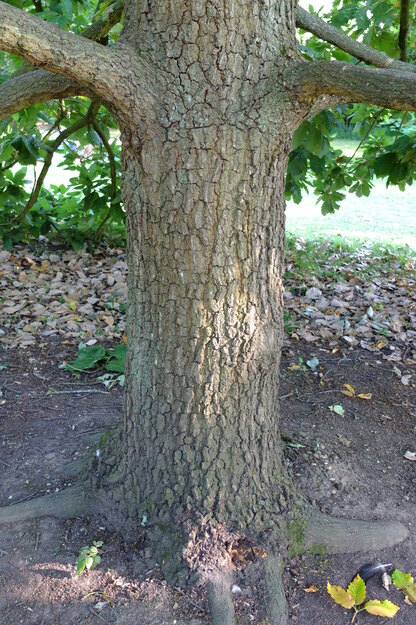
Quercus canariensis is a species of evergreen broadleaf flowering plants (in the Fagaceae or Beech family), native to the southern Iberian Peninsula and north-west Africa. It is a medium-sized to large tree of 20–30 metres, and up to 35 metres in Algeria. Its bark is grey-brown and rugged, with many fissures that are irregularly arranged but predominantly vertical, similar to other oak species.
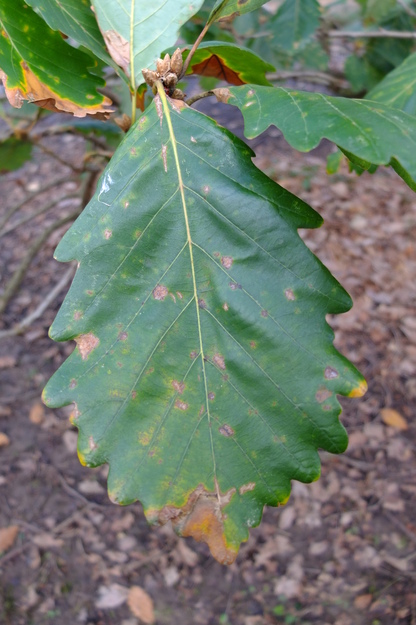
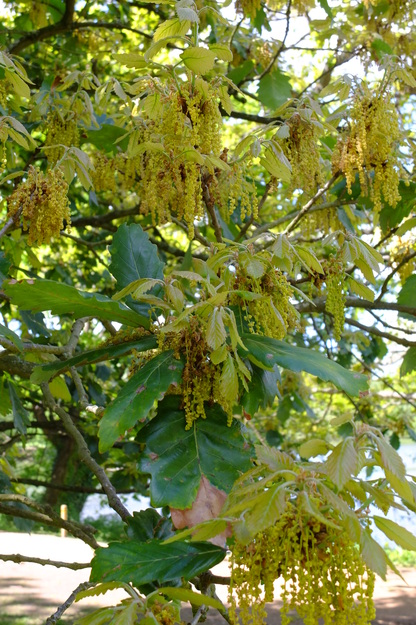
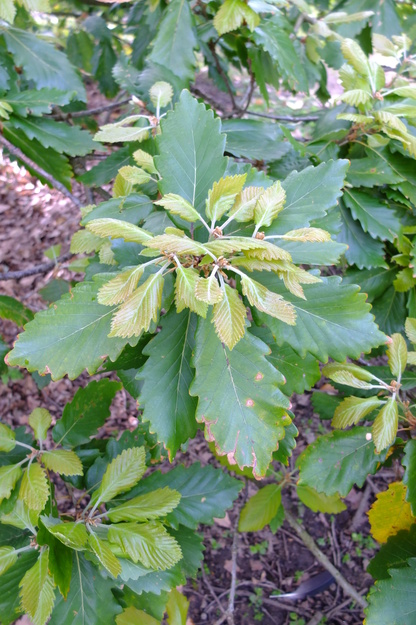
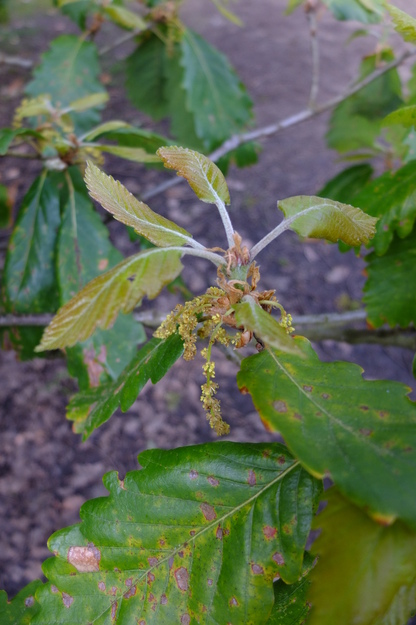
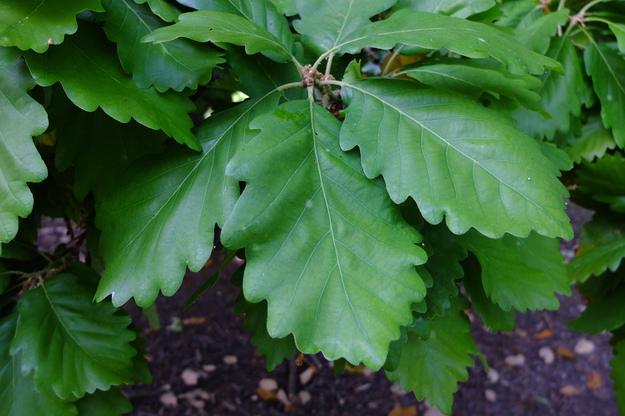
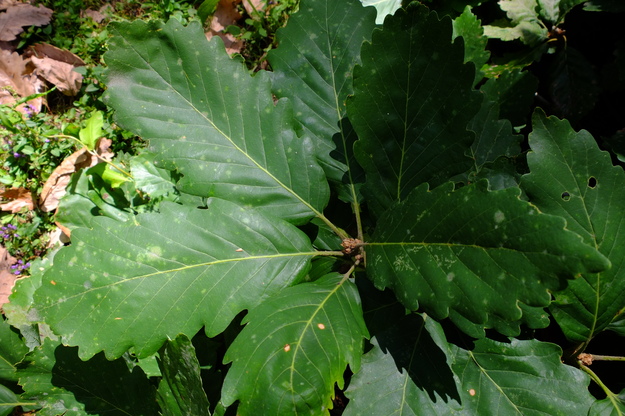
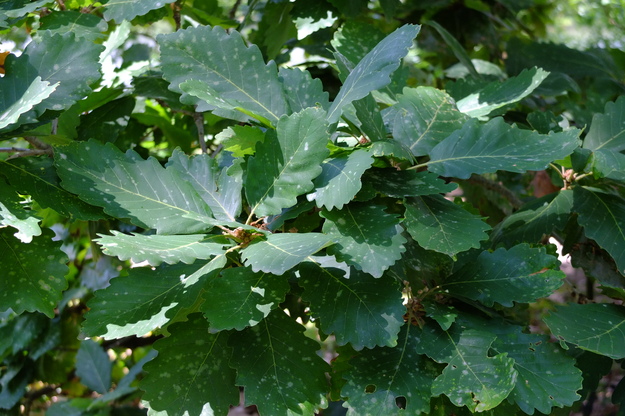
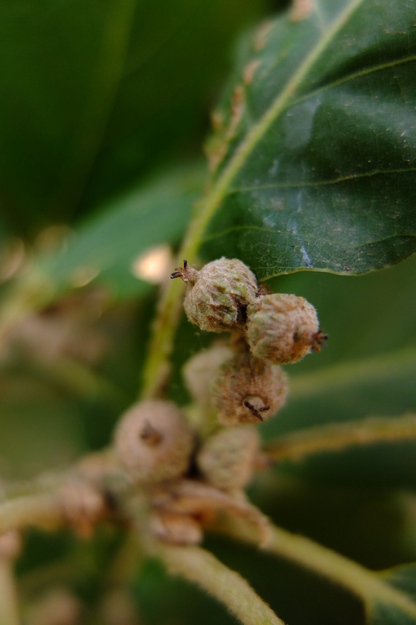
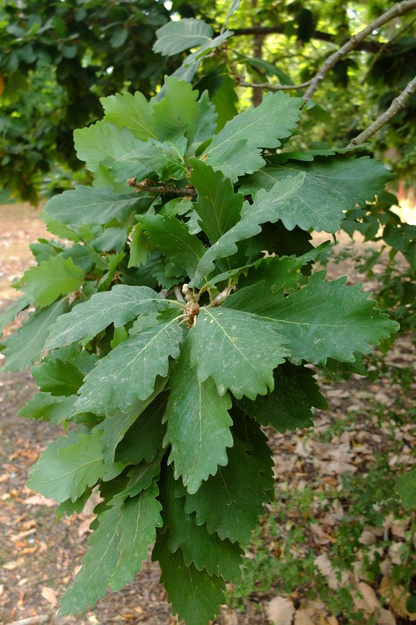
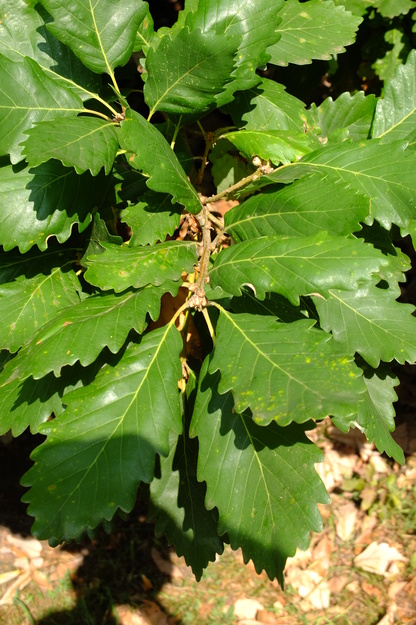
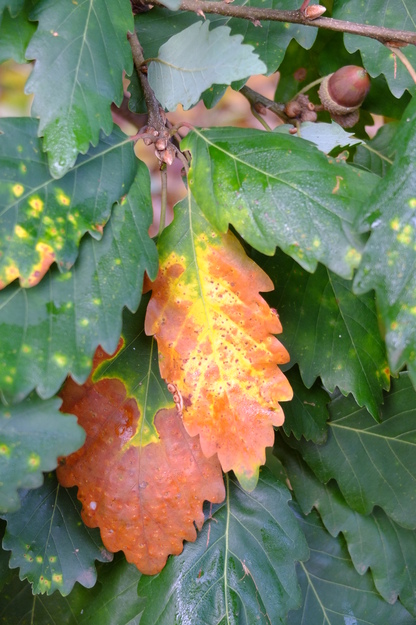
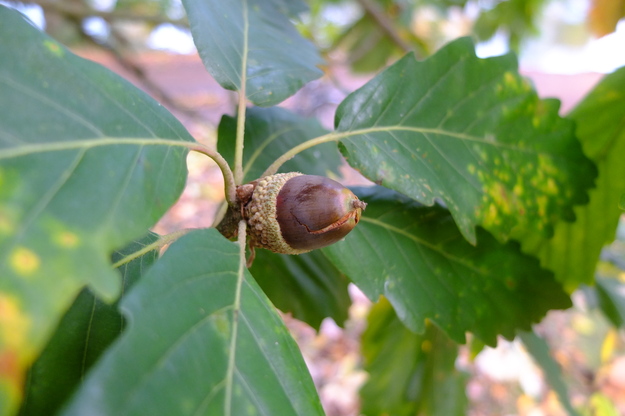
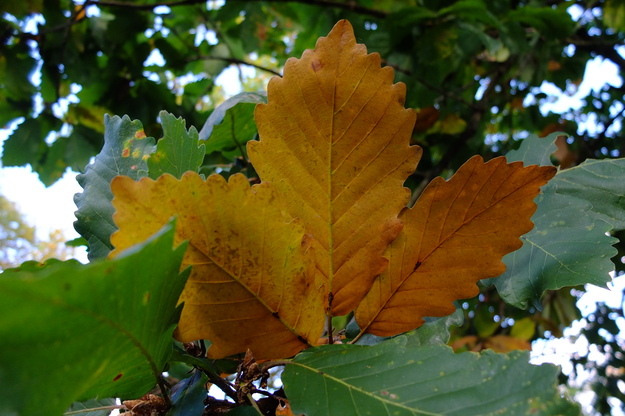
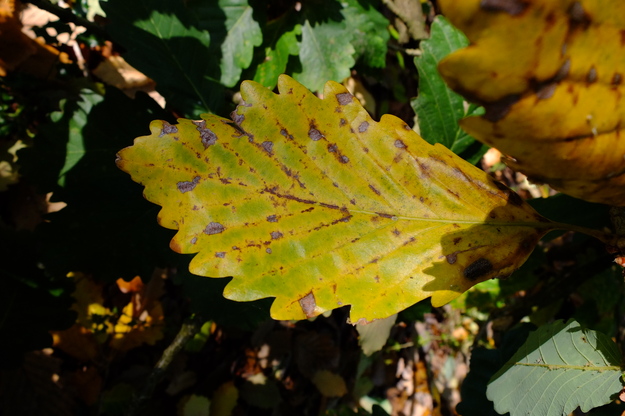
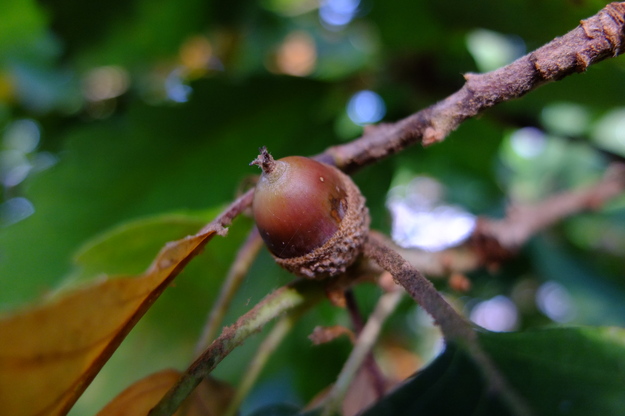
Quercus canariensis bears leaves all year, being most sparsely arrayed in early spring. When new leaves open in spring they are light yellow-green. They soon become darker, but remain slightly glossy; some of them turn brown later in the year, before falling. They are fairly large and broad, roughly oval, with six to a dozen rounded shallow lobes on each side, and veins running forwards to the the lobes from the central axis. It has strings of catkins in spring, and grows acorns in cups, turning brown in autumn, similar to those of Quercus robur, the common oak
Quercus canariensis grows naturally in moist well-drained humid forests. In its native range it is a tree of ecological importance, and was an important source of timber for ship-building in Spain and Portugal in past centuries. As well as in Britain, it is widely cultivated in Australia and New Zealand. Despite its scientific specific name, it is not native in the Canary Islands. The International Oak Society provides an article with further information about this species.
External webpages
about this species


about this species
How to use the map
Drag with your finger or mouse to move the map.
 Zoom in or out. You can also do this with the mousewheel or by pinching.
Marker of the position of an identified tree, while the map is zoomed out. For the details, zoom in until you see tree markers like the following …

 Clicking on a tree marker brings up a window (called a "popup")
identifying the species of the tree there, with a small photo of it and buttons
to display more photos and information. NB only a few hundred of the thousands
of trees are marked!
Clicking on a tree marker brings up a window (called a "popup")
identifying the species of the tree there, with a small photo of it and buttons
to display more photos and information. NB only a few hundred of the thousands
of trees are marked!
7Marker of a tree of the selected species; clicking it will zoom and centre the map on this tree, and bring up a photo of it in the frame.
 Marker of a British Isles champion tree in
The Tree Register.
Marker of a British Isles champion tree in
The Tree Register.
✕ Click the cross at the top right of any window, including this one, to get rid of it.
 Click to choose whether more than one popup can be open at once.

 Click to dismiss the open popup, or all open popups. You can also close
the popups by clicking on the map anywhere apart from a popup or marker.
Click to dismiss the open popup, or all open popups. You can also close
the popups by clicking on the map anywhere apart from a popup or marker.
Choose alternative versions of the map. The tree markers, popups, map centre and zoom are all unaffected by switching.
 Turn on a flashing dot which tracks your live location on the map, surrounded
by a circle indicating the accuracy of the location. This will work
only if your device has a satellite navigation (GPS etc.) receiver which is
enabled and can acquire a signal. You will probably be asked to allow the
website to access "location services" the first time you press this button.
The button flashes orange while trying to locate you,
and green while your location is shown. Press it again to turn it off.
Turn on a flashing dot which tracks your live location on the map, surrounded
by a circle indicating the accuracy of the location. This will work
only if your device has a satellite navigation (GPS etc.) receiver which is
enabled and can acquire a signal. You will probably be asked to allow the
website to access "location services" the first time you press this button.
The button flashes orange while trying to locate you,
and green while your location is shown. Press it again to turn it off.
 Recentre the map on your present location, while live location is active.
 Reset the map to its original centre and zoom.
To click on a tree, zoom in until you see
tree markers
East lakesideSee all photos of this tree