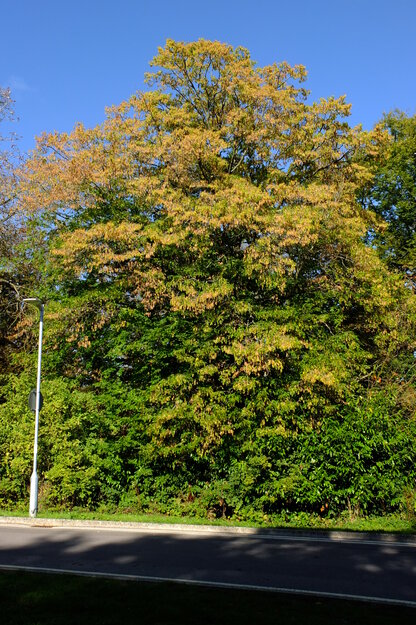
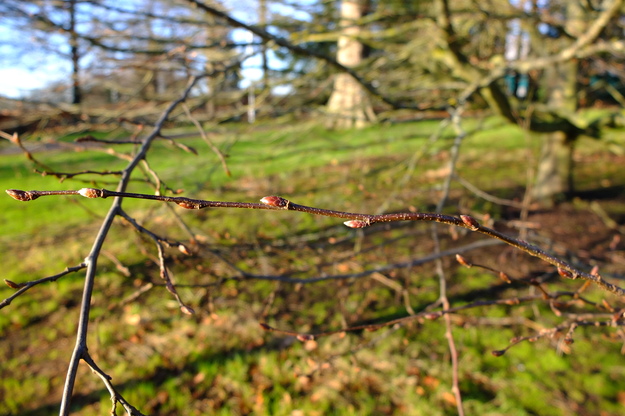
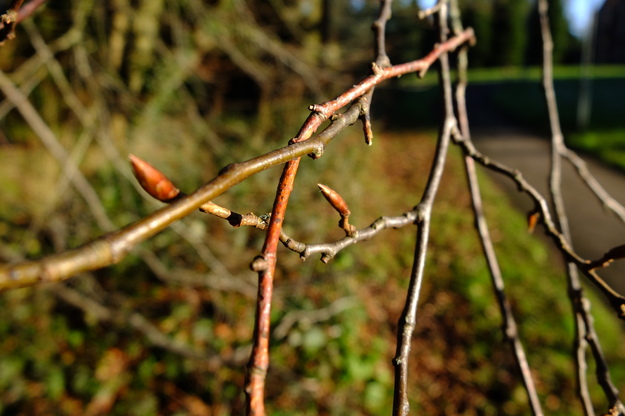
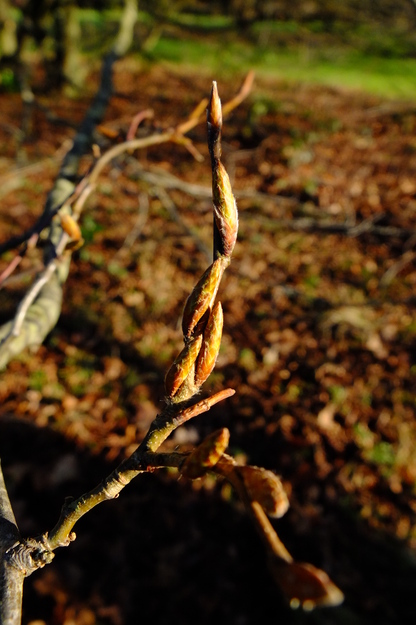
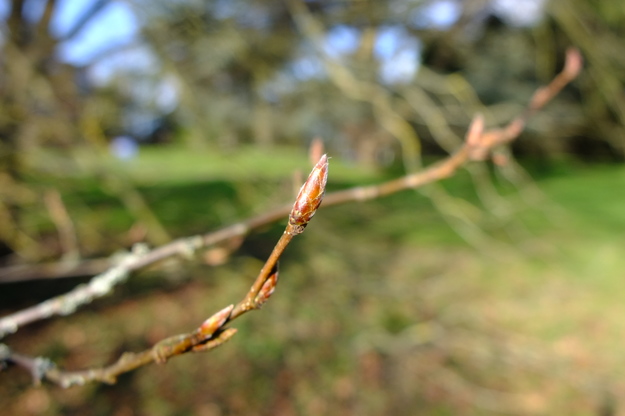
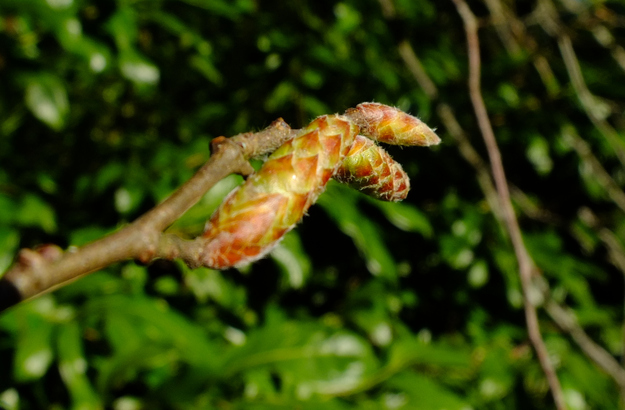
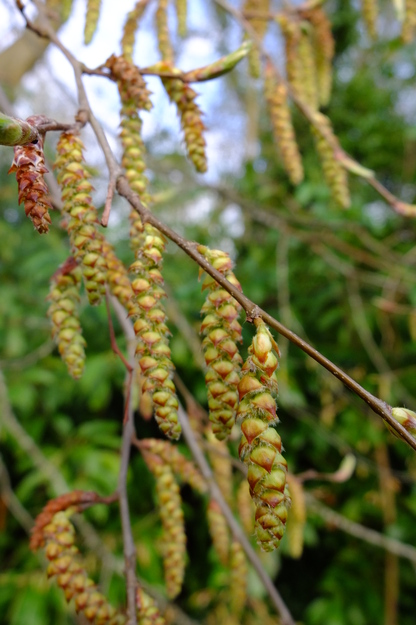
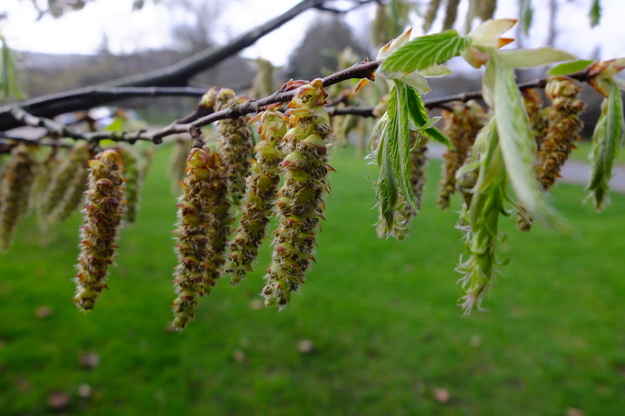
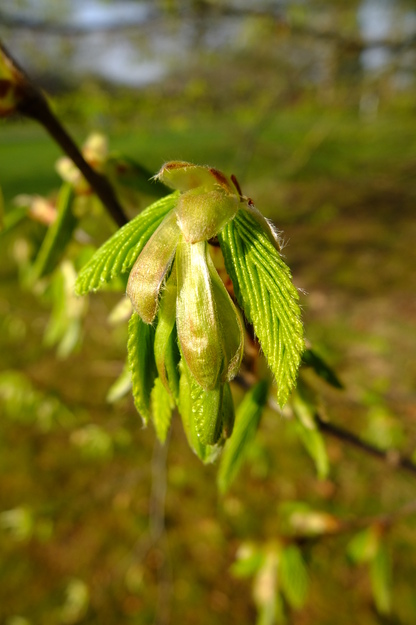
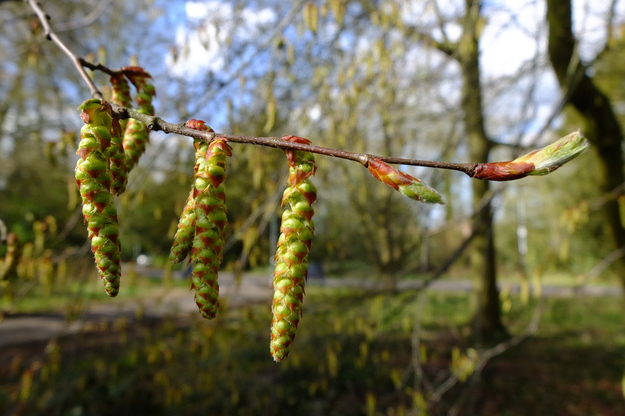
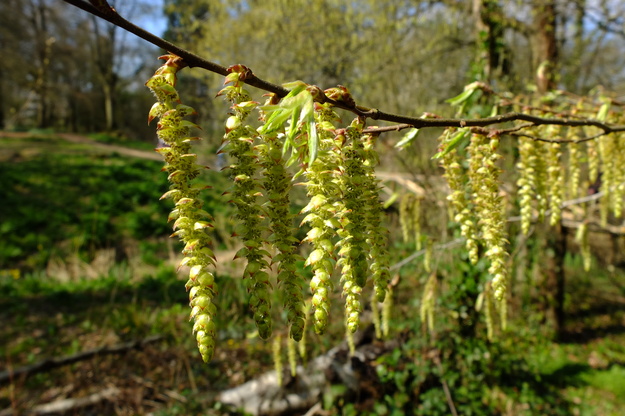
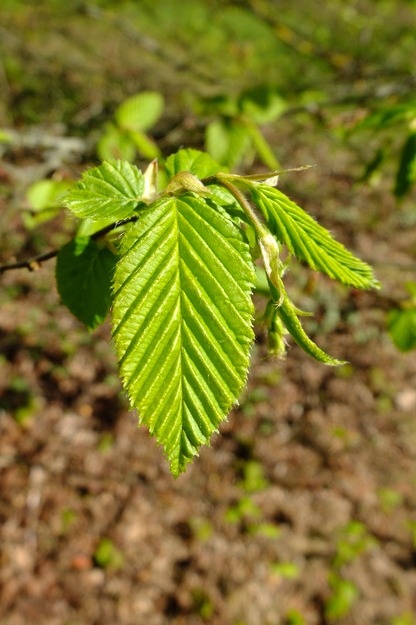
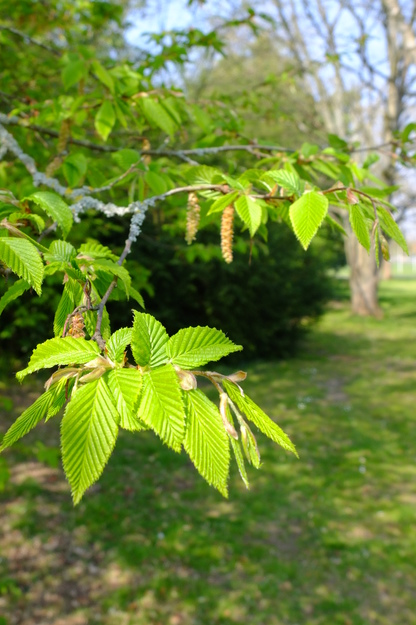
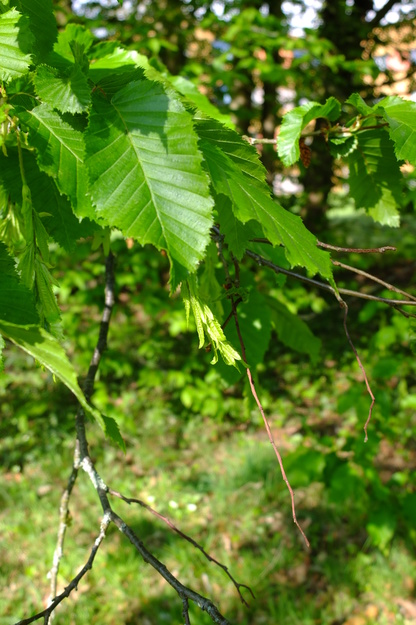
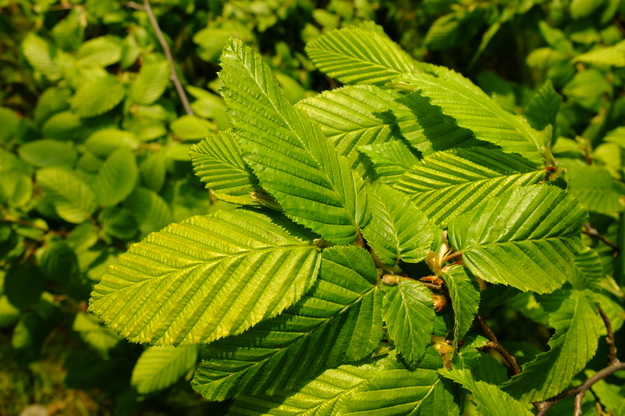
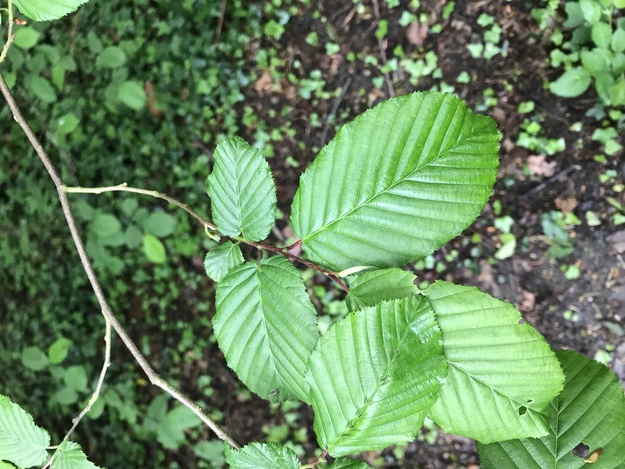
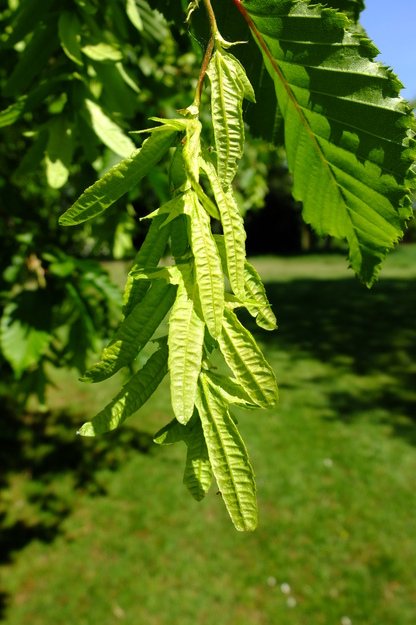
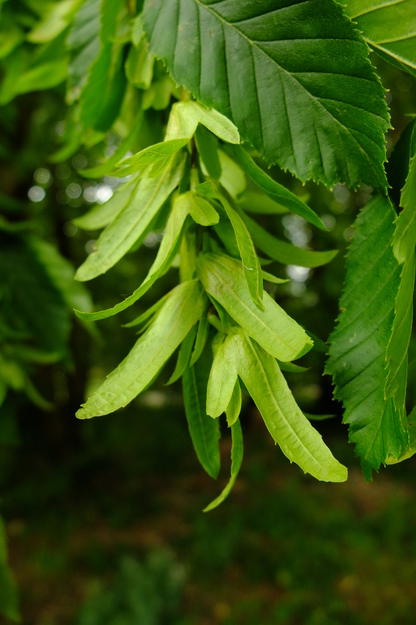
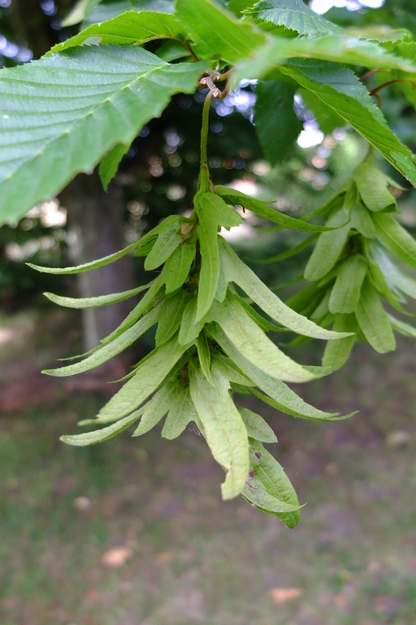
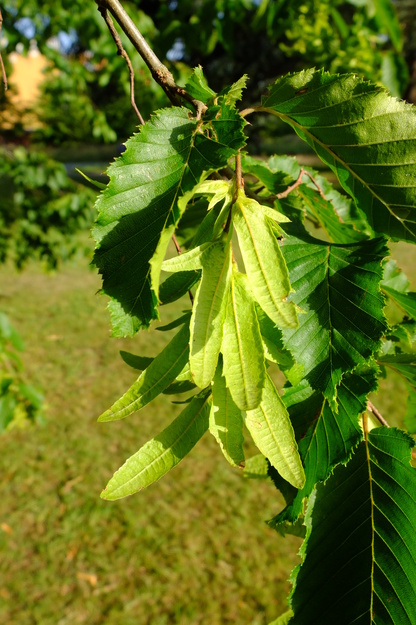
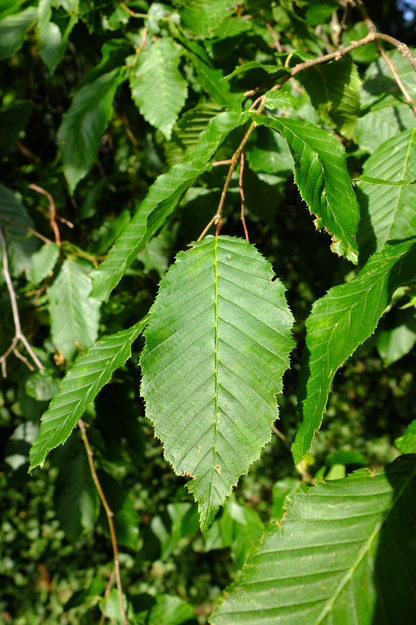
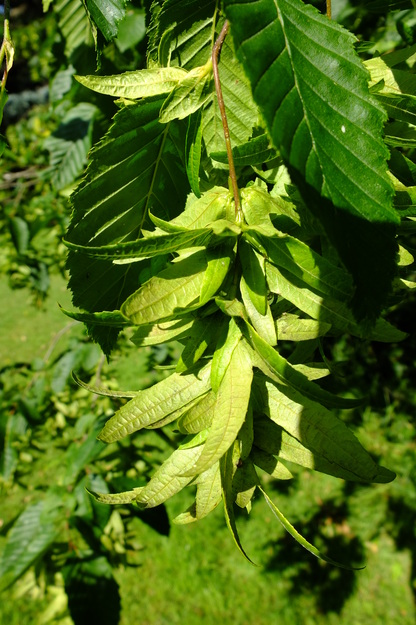
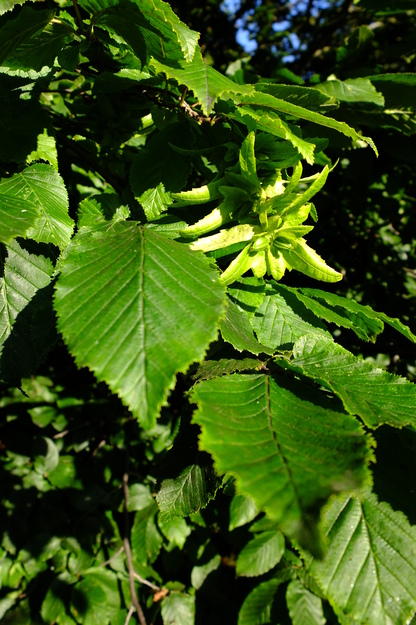
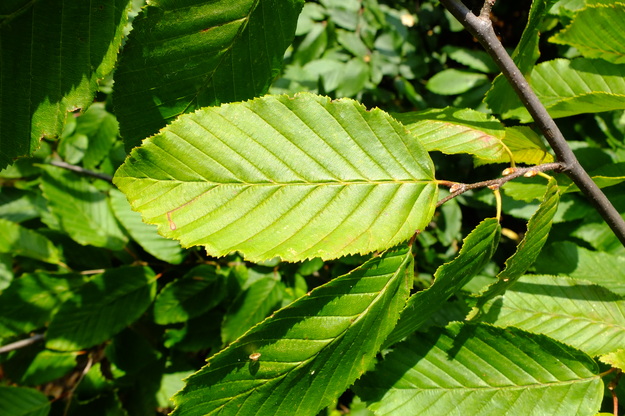
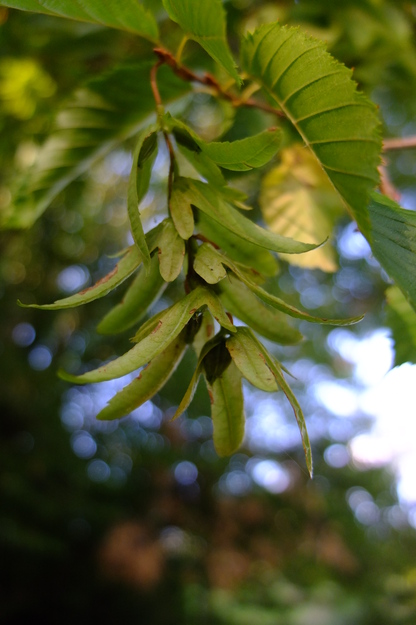
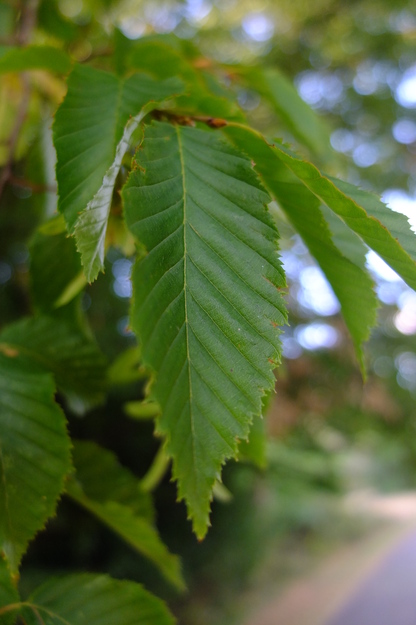
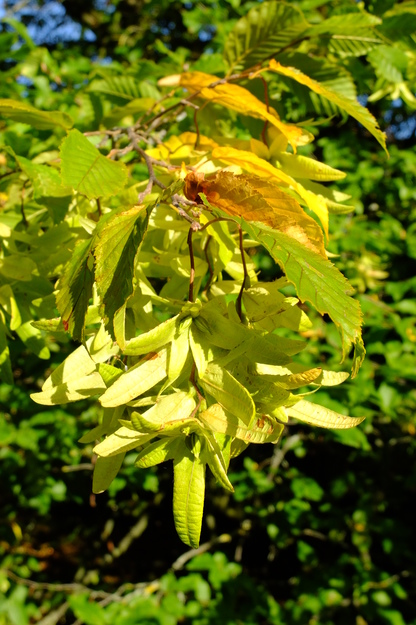
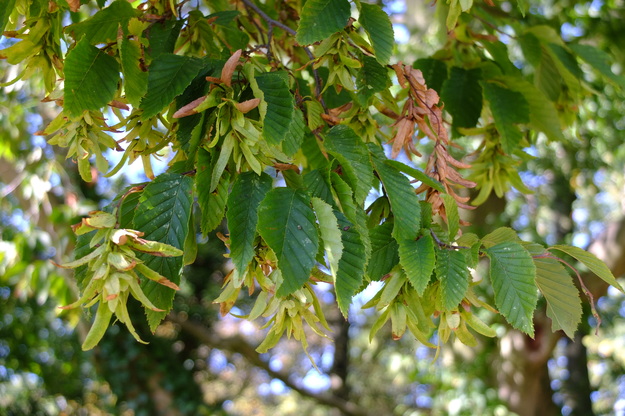
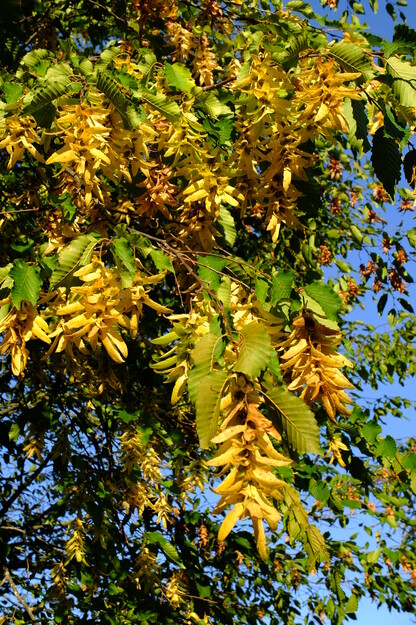
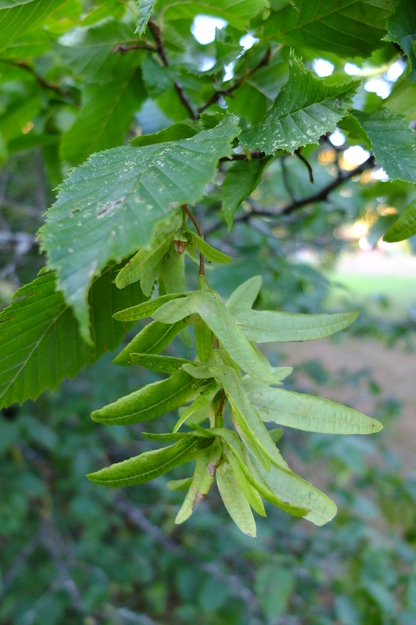
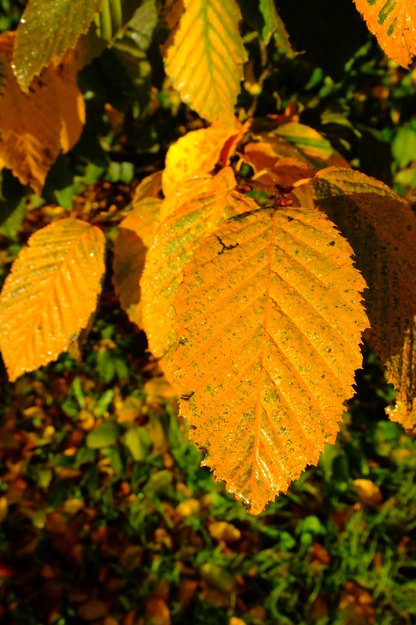
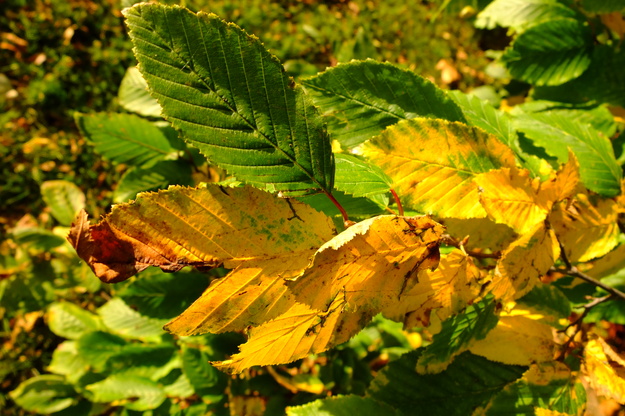
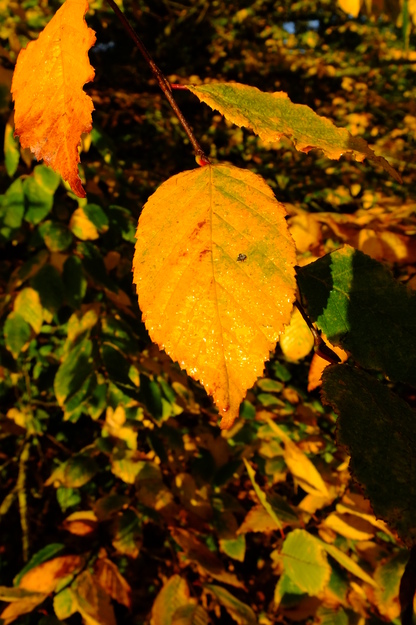
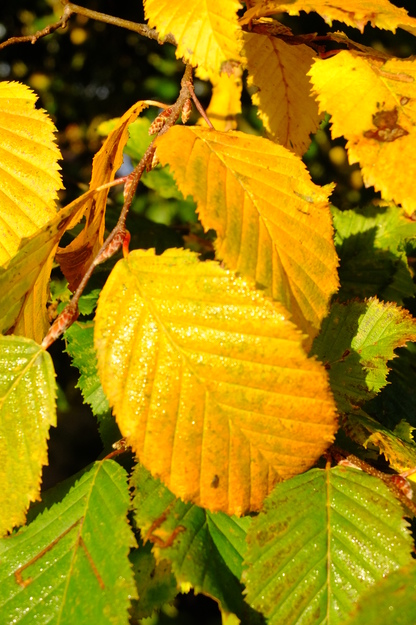
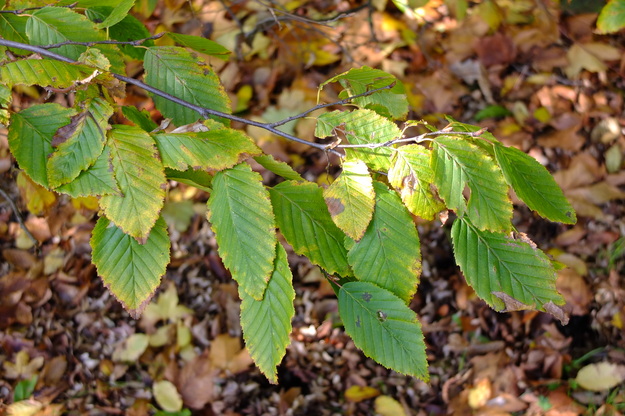
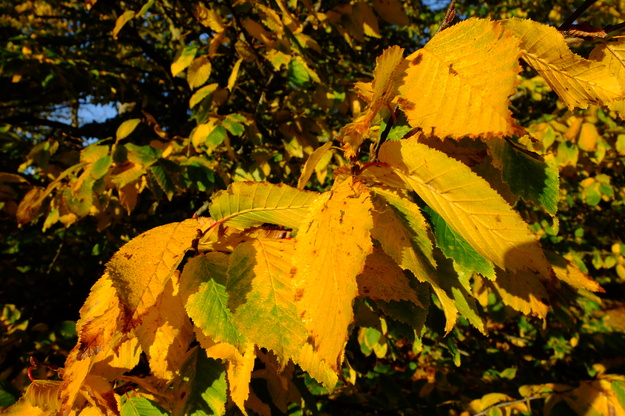
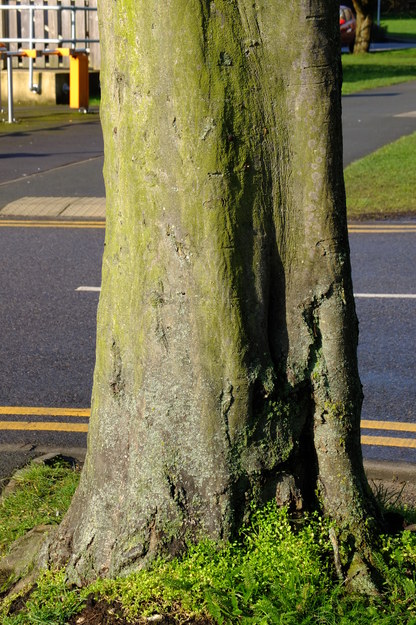
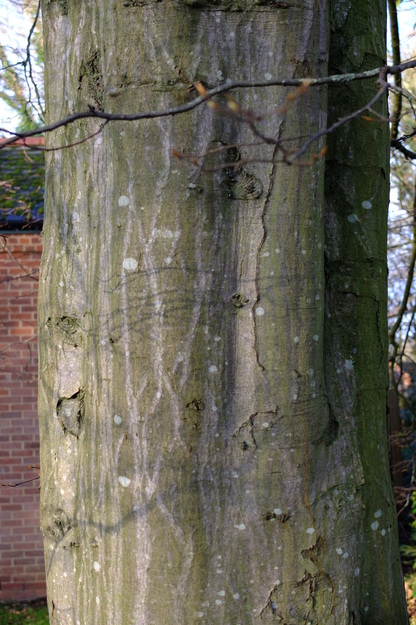
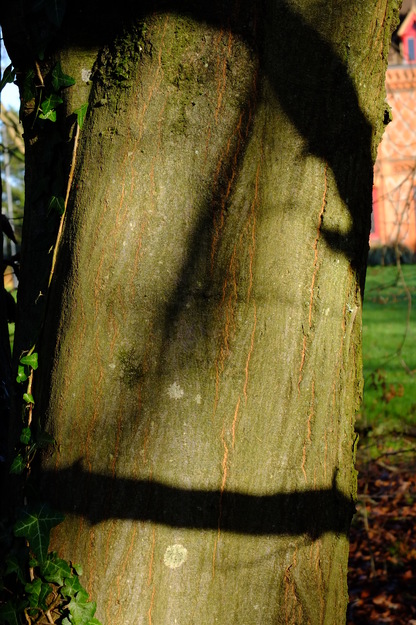
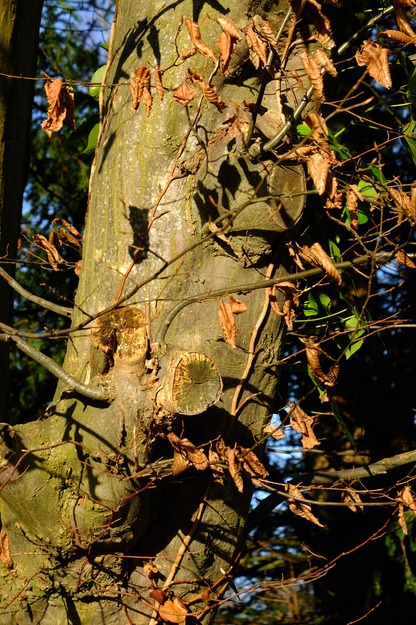
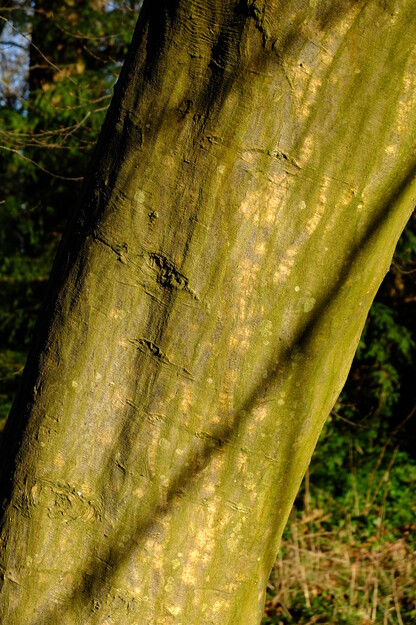
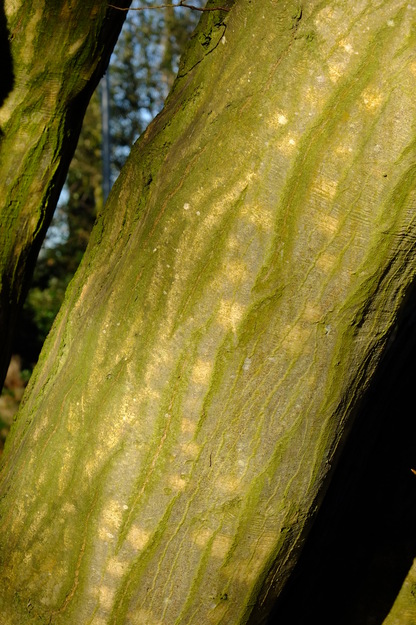
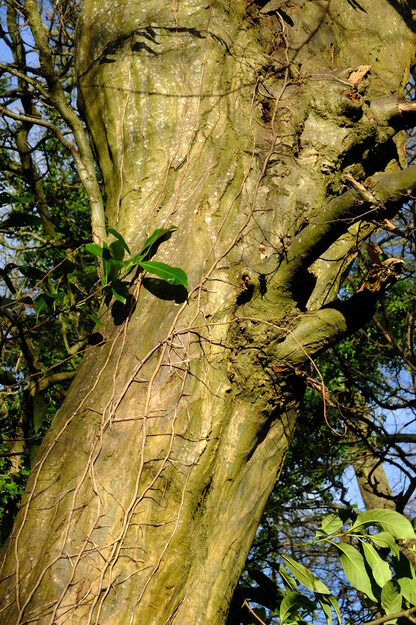
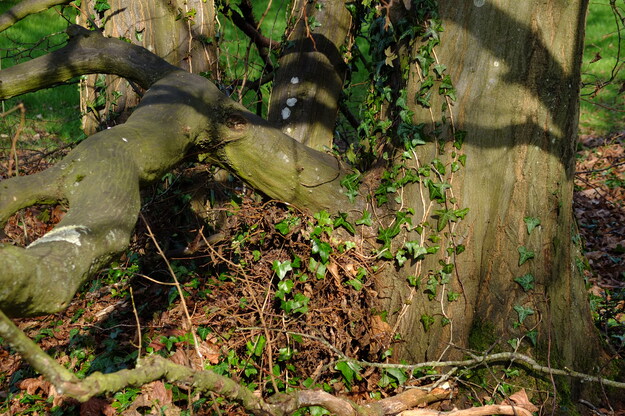
Carpinus betulus is a species of deciduous broadleaf flowering plants (in the Betulaceae or Birch family), native to Britain, Europe and western Asia. This is a common tree in Whiteknights Park, in both woodland and planted areas. It has a dense crown, smooth grey bark, and finely textured green leaves that turn shades of yellow and copper in autumn. They resemble the leaves of beech (Fagus sylvatica) in their shape and arrangement of veins, but have toothed edges, whereas those of beech have a wavy edge. From late spring thin seeds develop within groups of three small narrow leaves (bracts) that hang in chains, which are distinctive of the species.
Carpinus betulus wood is extremely hard and durable, traditionally used for tool handles, flooring, and items requiring strong timber. Its resilience to pollution, shade, and varied soil conditions makes it a popular choice in urban landscaping and sustainable forestry projects. It responds well to pruning and is often used for formal hedges, avenues, and topiary designs.
External webpages
about this species


about this species
How to use the map
Drag with your finger or mouse to move the map.
 Zoom in or out. You can also do this with the mousewheel or by pinching.
Marker of the position of an identified tree, while the map is zoomed out. For the details, zoom in until you see tree markers like the following …

 Clicking on a tree marker brings up a window (called a "popup")
identifying the species of the tree there, with a small photo of it and buttons
to display more photos and information. NB only a few hundred of the thousands
of trees are marked!
Clicking on a tree marker brings up a window (called a "popup")
identifying the species of the tree there, with a small photo of it and buttons
to display more photos and information. NB only a few hundred of the thousands
of trees are marked!
7Marker of a tree of the selected species; clicking it will zoom and centre the map on this tree, and bring up a photo of it in the frame.
 Marker of a British Isles champion tree in
The Tree Register.
Marker of a British Isles champion tree in
The Tree Register.
✕ Click the cross at the top right of any window, including this one, to get rid of it.
 ✕
Click to dismiss all the popups at once.
✕
Click to dismiss all the popups at once.
Choose alternative versions of the map. The tree markers, popups, map centre and zoom are all unaffected by switching.
 Turn on a flashing dot which tracks your live location on the map, surrounded
by a circle indicating the accuracy of the location. This will work
only if your device has a satellite navigation (GPS etc.) receiver which is
enabled and can acquire a signal. You will probably be asked to allow the
website to access "location services" the first time you press this button.
The button flashes orange while trying to locate you,
and green while your location is shown. Press it again to turn it off.
Turn on a flashing dot which tracks your live location on the map, surrounded
by a circle indicating the accuracy of the location. This will work
only if your device has a satellite navigation (GPS etc.) receiver which is
enabled and can acquire a signal. You will probably be asked to allow the
website to access "location services" the first time you press this button.
The button flashes orange while trying to locate you,
and green while your location is shown. Press it again to turn it off.
 Recentre the map on your present location, while live location is switched on.
 Reset the map to its original centre and zoom.
To click on a tree, zoom in until you see
tree markers
Thomson NorthSee all photos of this tree
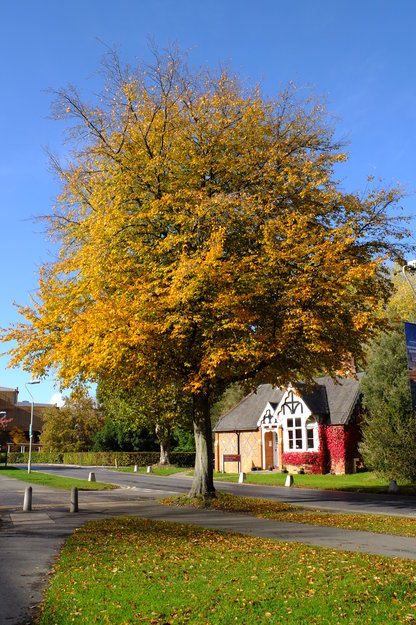
Childs lawnSee all photos of this tree
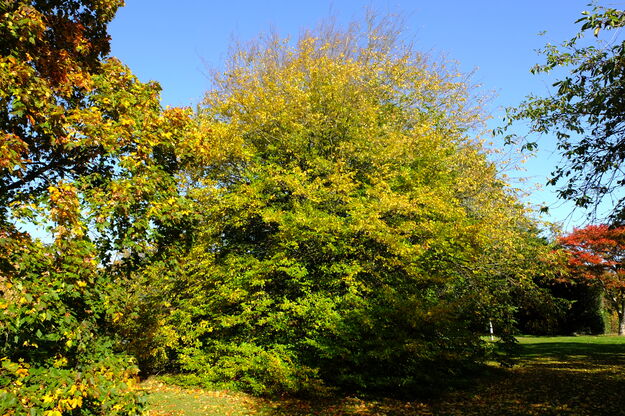
FoxhillSee all photos of this tree
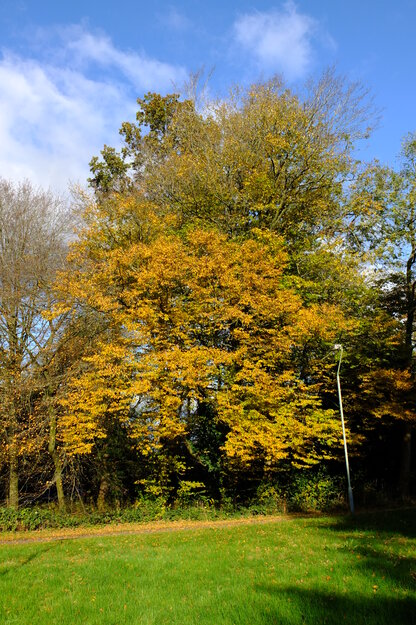
FoxhillSee all photos of this tree
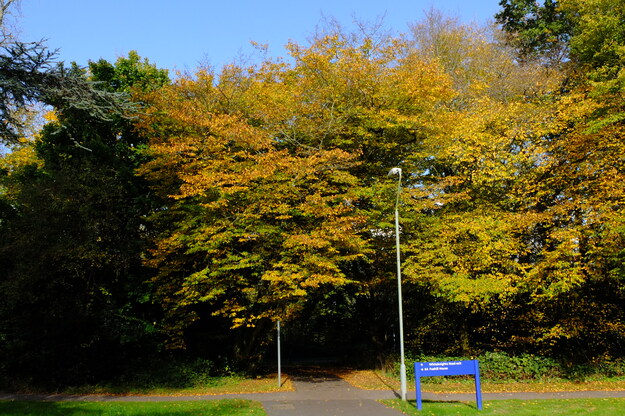
Mackinder Hall EastSee all photos of this tree
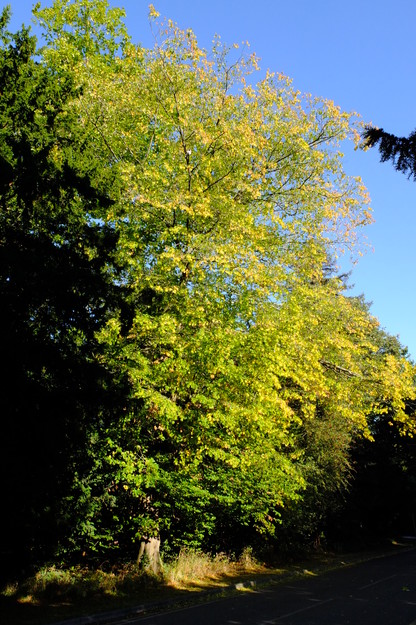
Carpark EatSee all photos of this tree
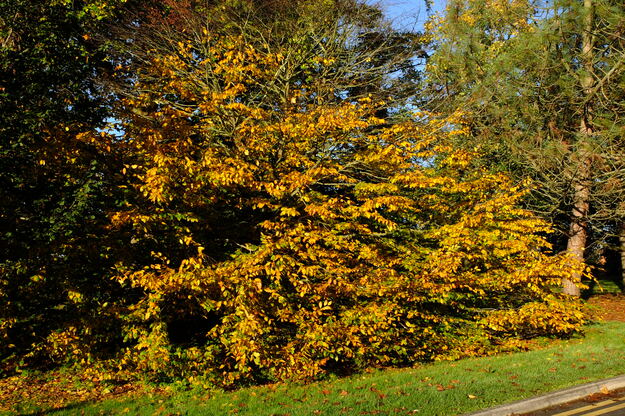
Chancellor's WestSee all photos of this tree
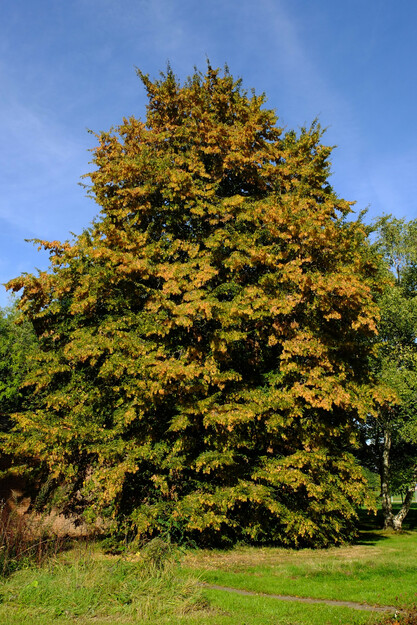
Redrow DriveSee all photos of this tree