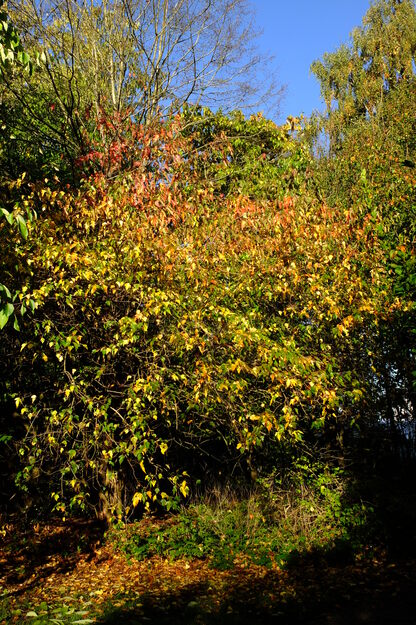
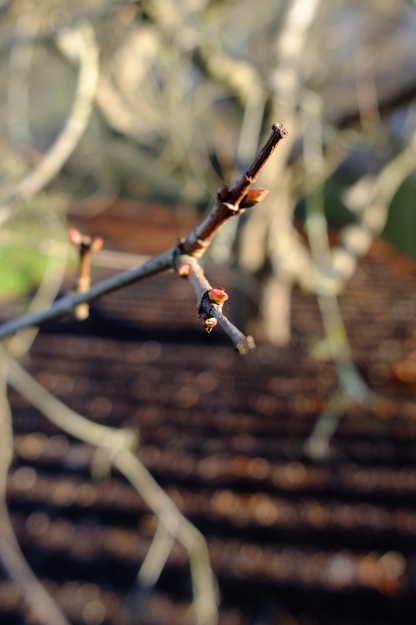
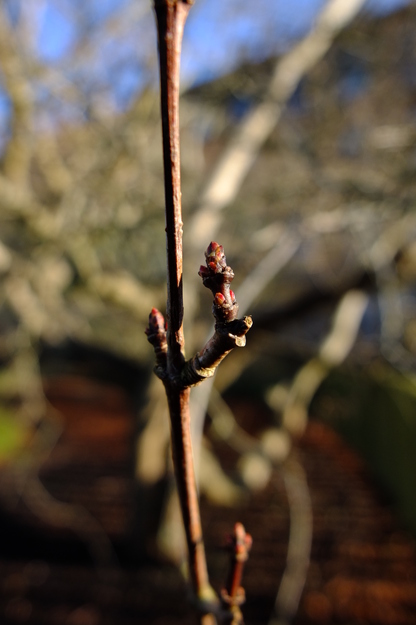
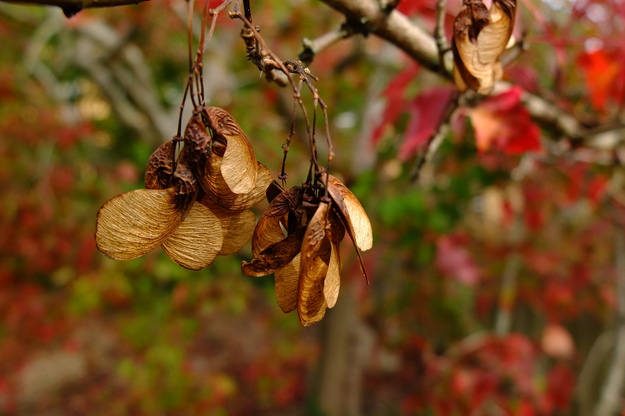
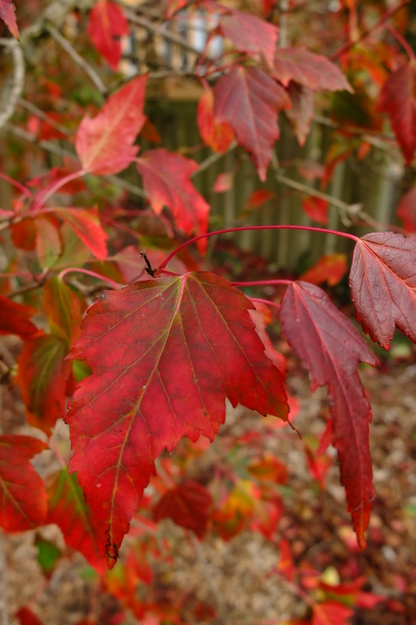
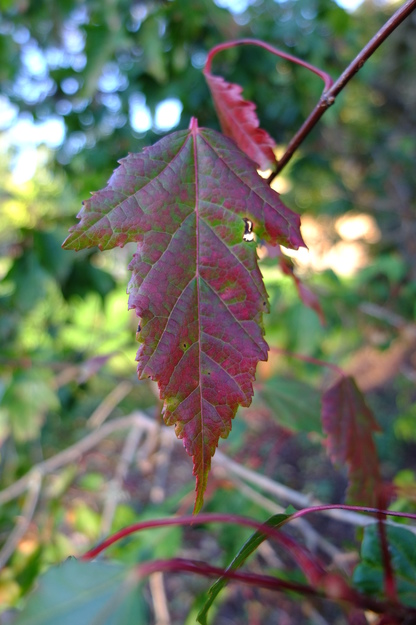
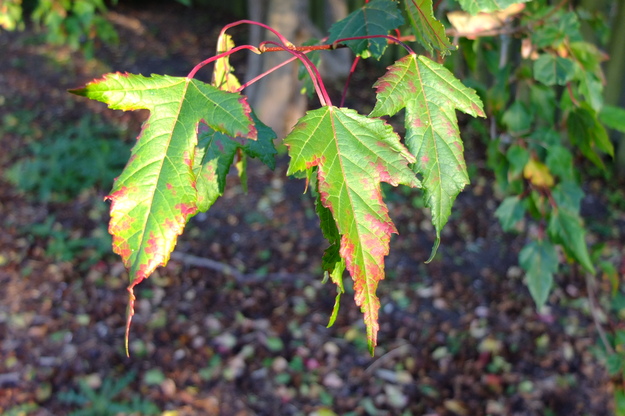
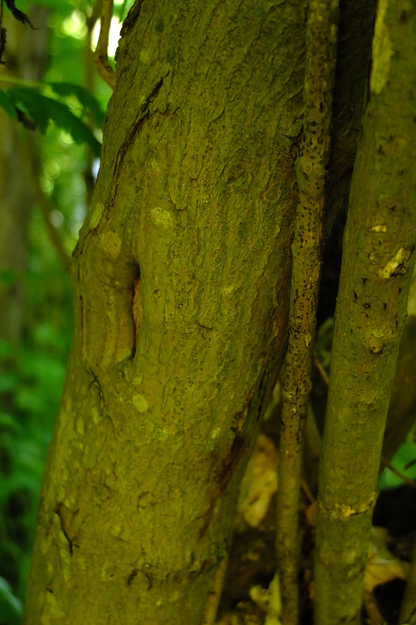
Acer tataricum ginnala is a species of deciduous broadleaf flowering plants (in the Sapindaceae or Soapberry family), native to Korea, north and central eastern China and far eastern Russia. It is a small tree, attaining 10 metres in height, which grows on riverbanks, in floodplains and in other damp places. It can tolerate temperatures as low as −40°C, allowing it to grow at altitudes of up to 3000 metres in its native range. It is closely related to Acer tataricum tataricum (Tatar maple); these two subspecies of Acer tataricum have disjoint native ranges, and are sometimes regarded as distinct species.
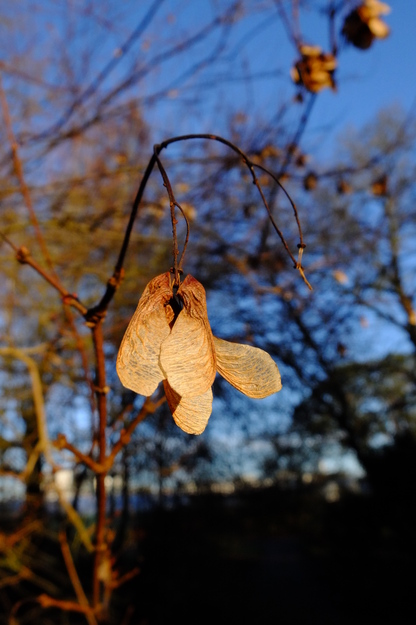
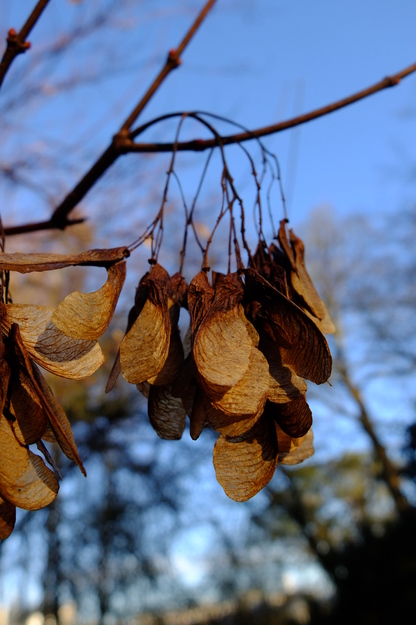
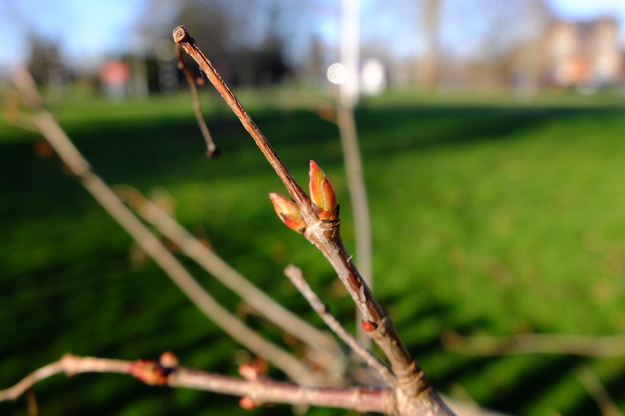
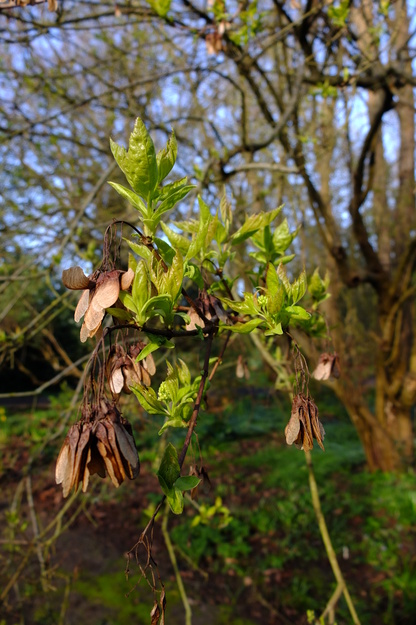
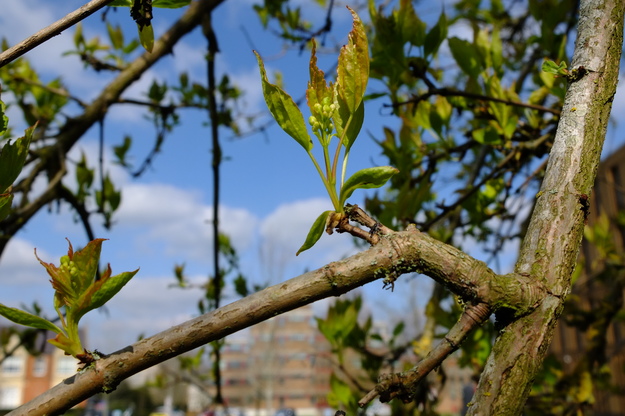
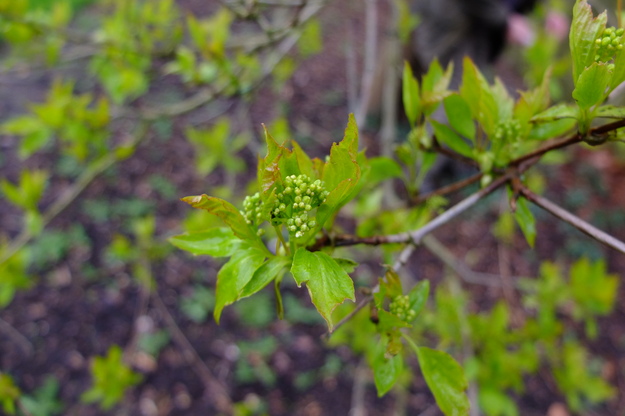
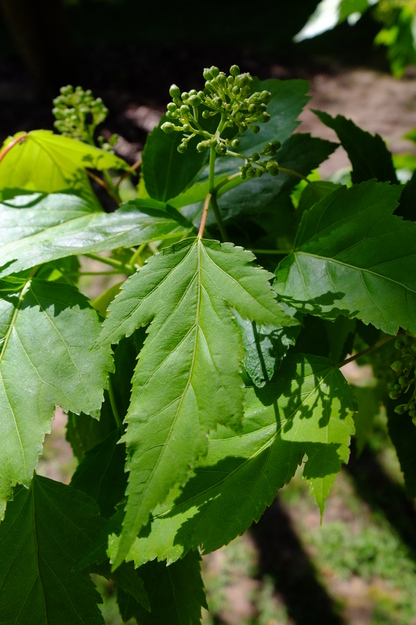
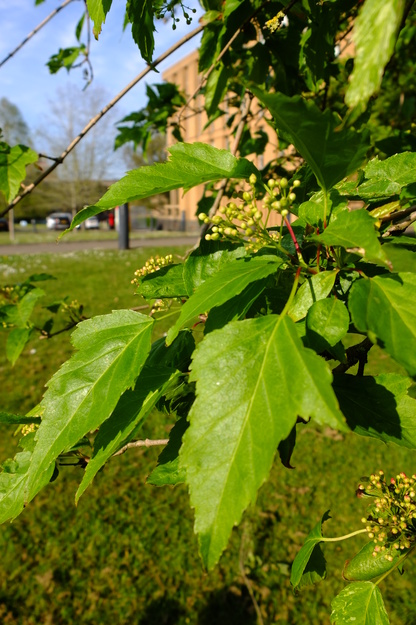
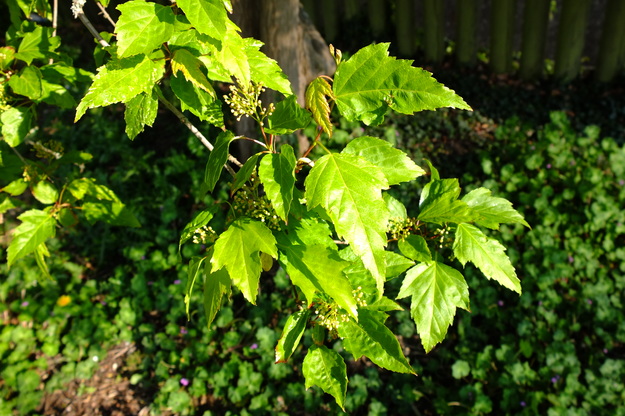
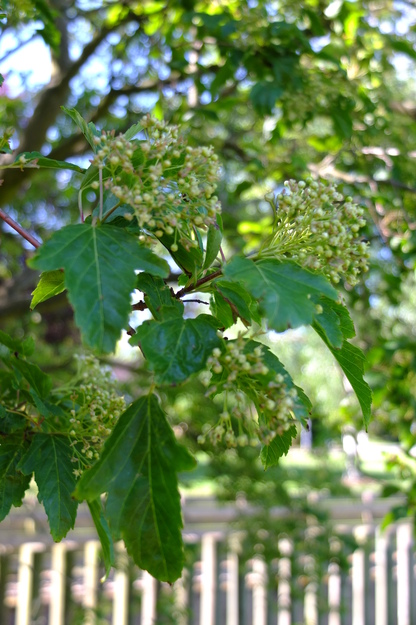
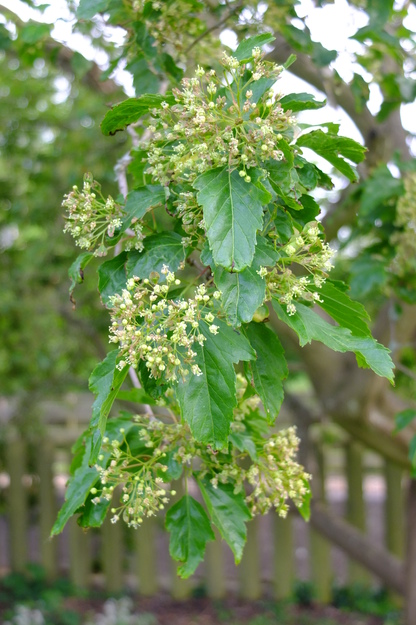
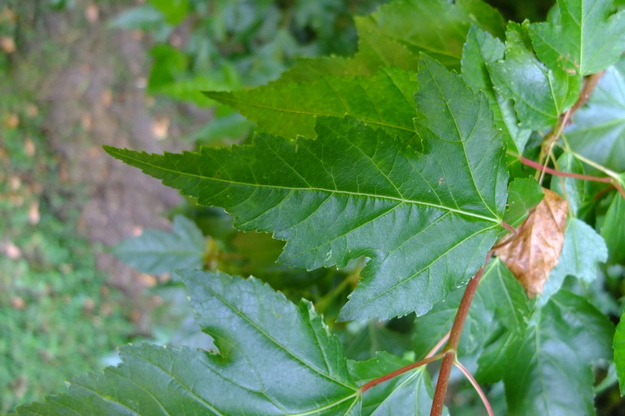
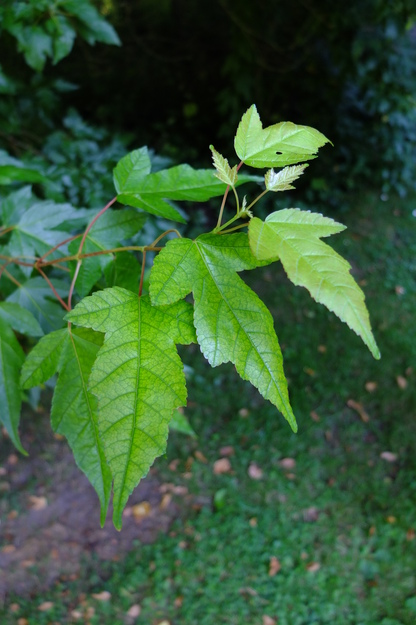
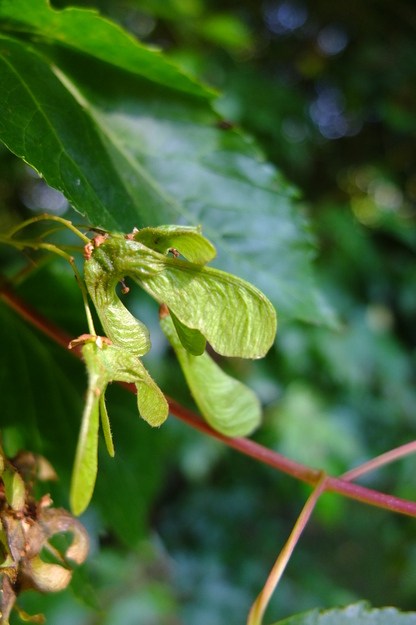
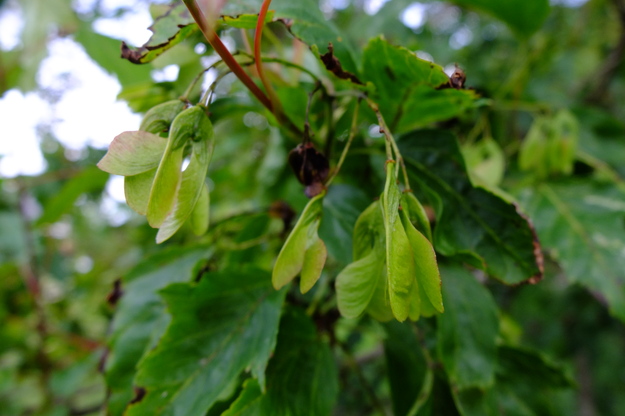
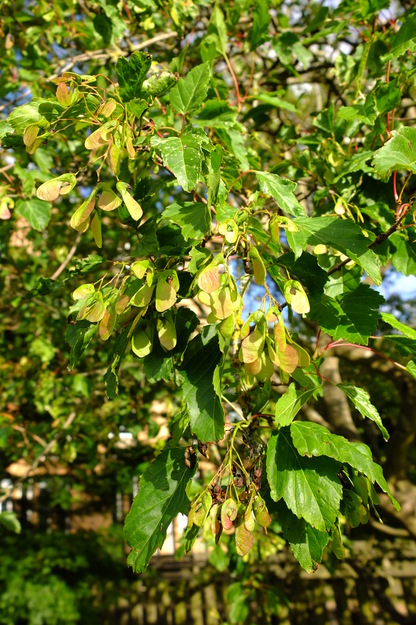
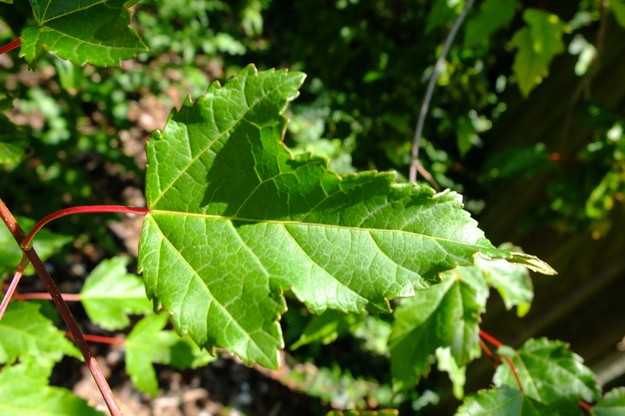
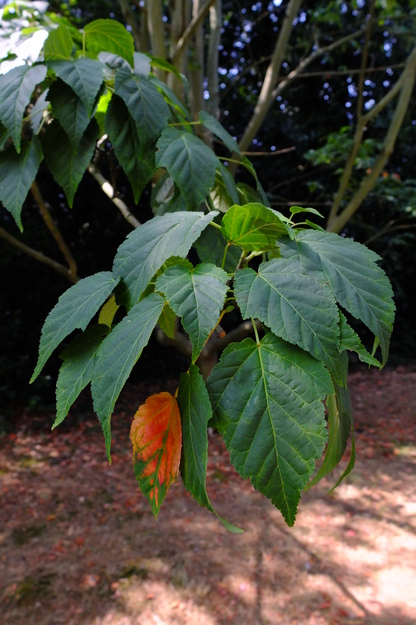
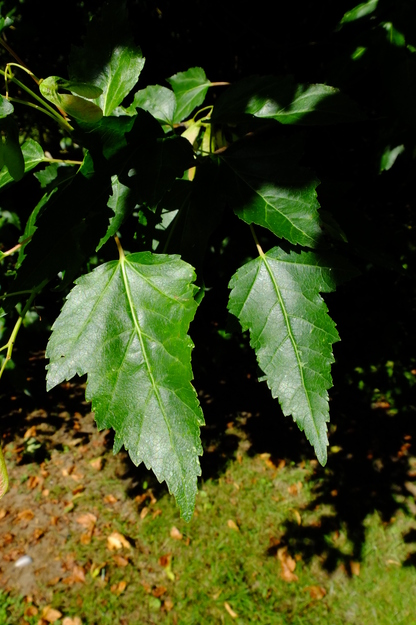
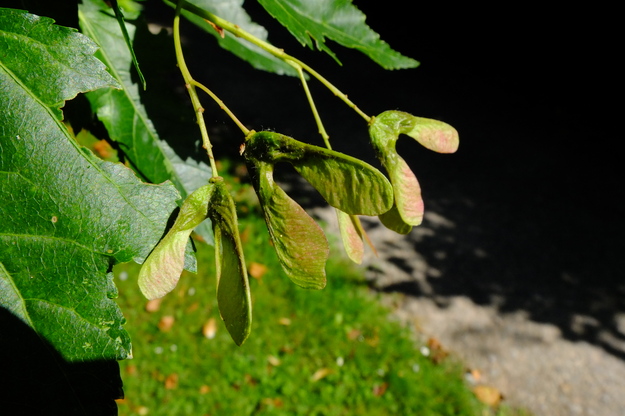
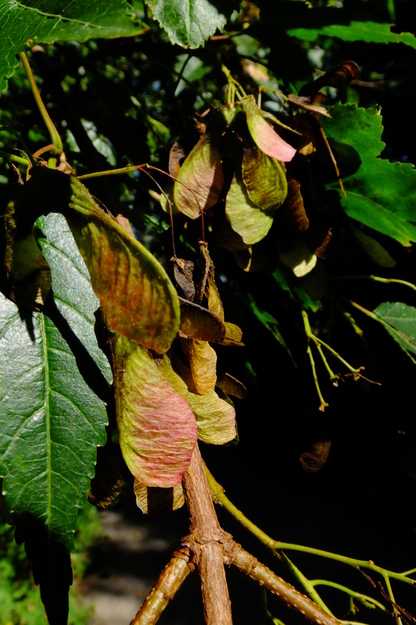
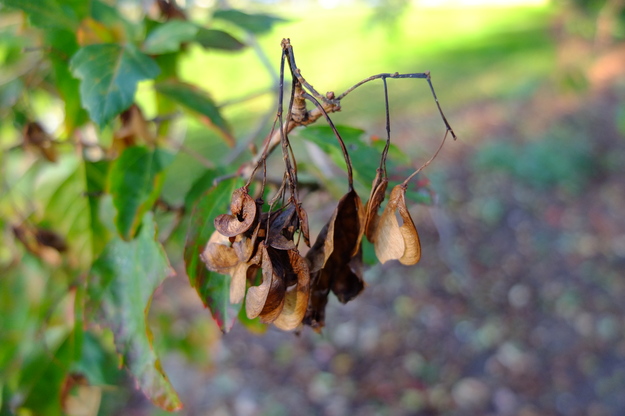
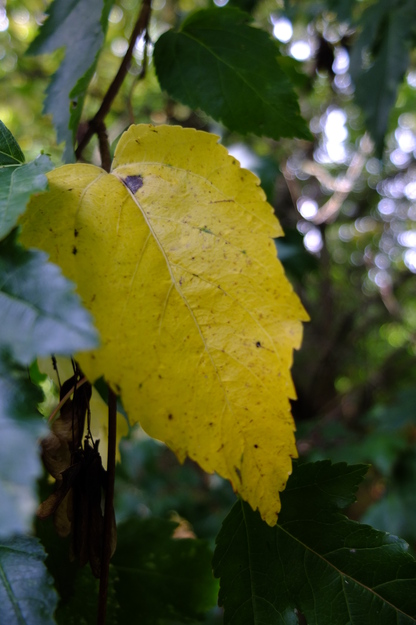
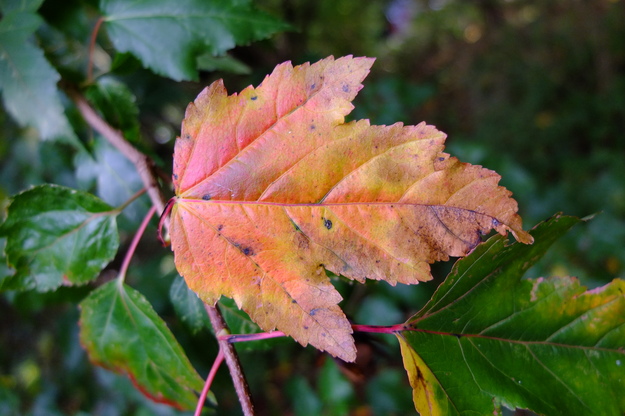
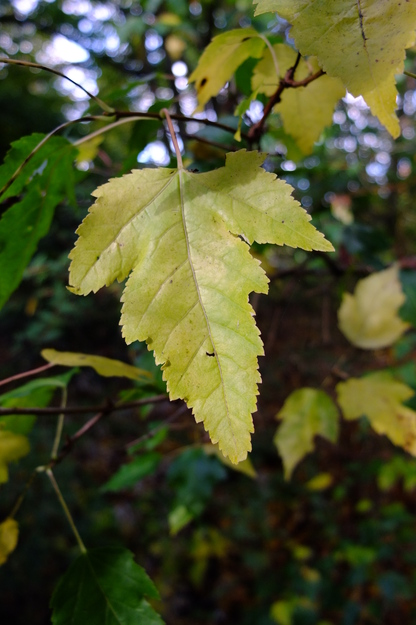
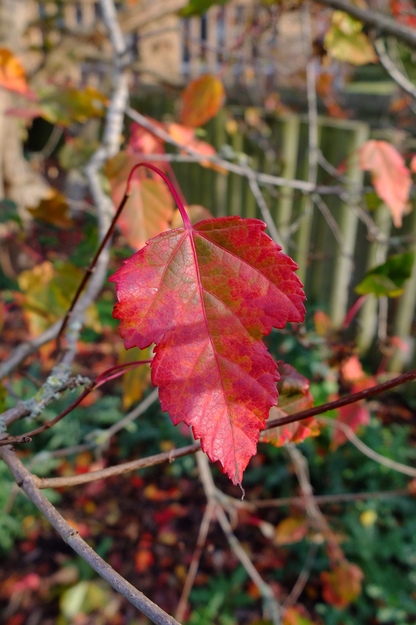
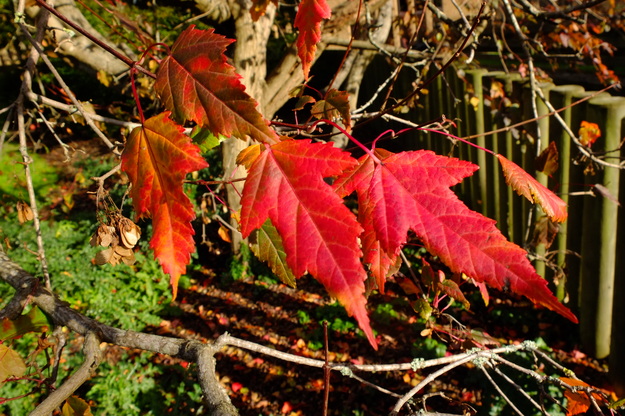
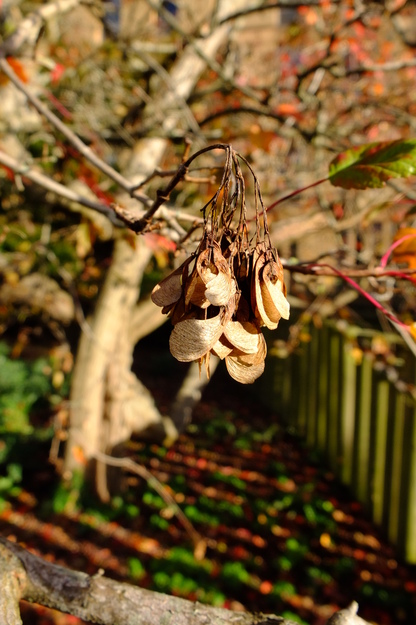
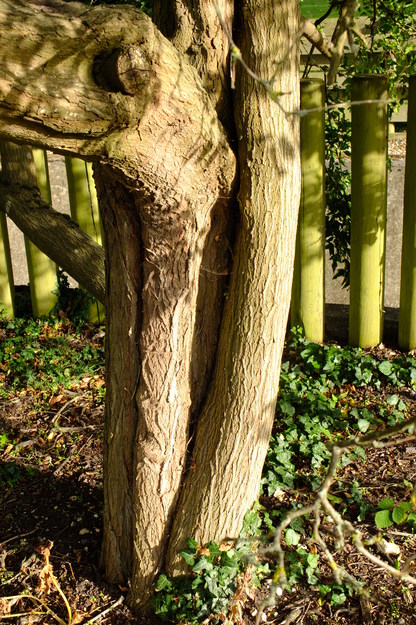
Acer tataricum ginnala has medium-sized matt green leaves, arranged in pairs on opposite sides of the stem. They are longer than they are broad, have coarsely toothed edges, and may have three or five lobes, but some have no lobes; any given tree has various shapes of leaf. The leaves turn bright yellow, orange or red in autumn. This feature, its rapid growth and its small size make Acer tataricum ginnala an attractive ornamental. In spring the tree produces bunches of many small light green flowers. Like other Acer (maple) species, its fruit are dry two-winged samaras; they are initially green, with pink tinges, turning brown by autumn. The bark of the tree is grey-brown, with shallow fissures on older plants.
External webpages
about this species


about this species
How to use the map
Drag with your finger or mouse to move the map.
 Zoom in or out. You can also do this with the mousewheel or by pinching.
Marker of the position of an identified tree, while the map is zoomed out. For the details, zoom in until you see tree markers like the following …

 Clicking on a tree marker brings up a window (called a "popup")
identifying the species of the tree there, with a small photo of it and buttons
to display more photos and information. NB only a few hundred of the thousands
of trees are marked!
7Marker of a tree of the selected species; clicking it will zoom and centre the map on this tree, and bring up a photo of it in the frame.
 Marker of a British Isles champion tree in
The Tree Register.
✕ Click the cross at the top right of any window, including this one, to get rid of it.
 Click to choose whether more than one popup can be open at once.

 Click to dismiss the open popup, or all open popups. You can also close
the popups by clicking on the map anywhere apart from a popup or marker.
Choose alternative versions of the map. The tree markers, popups, map centre and zoom are all unaffected by switching.
 Turn on a flashing dot which tracks your live location on the map, surrounded
by a circle indicating the accuracy of the location. This will work
only if your device has a satellite navigation (GPS etc.) receiver which is
enabled and can acquire a signal. You will probably be asked to allow the
website to access "location services" the first time you press this button.
The button flashes orange while trying to locate you,
and green while your location is shown. Press it again to turn it off.
 Recentre the map on your present location, while live location is active.
 Reset the map to its original centre and zoom.
To click on a tree, zoom in until you see
tree markers
Whiteknights House WestSee all photos of this tree
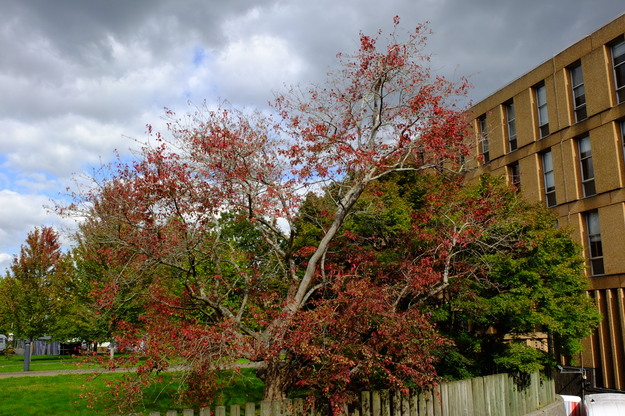
Harris GardenSee all photos of this tree